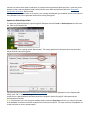
1
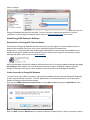
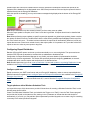
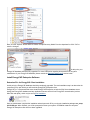
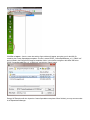
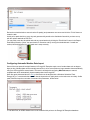
system DSN or a user DSN—either should allow for a valid connection.
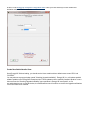
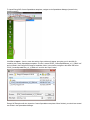
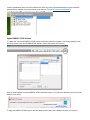
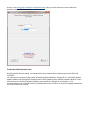
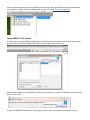
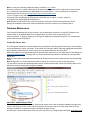
Name the new ODBC connection with a descriptive name and record it in the EnergyCAP Enterprise Configuration
Sheet, Reference #7. Copy the database server name from the EnergyCAP Enterprise Configuration Sheet,
Reference #3 and paste it into the Server text box.
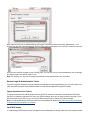
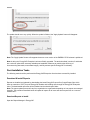
Next, select "With SQL Server authentication…" to instruct the ODBC connection to connect using SQL Server
authentication, then provide the SQL Server login ID and password from the EnergyCAP Configuration Worksheet,
References #4 & 5.