1
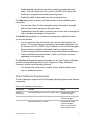
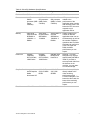
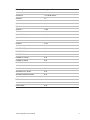
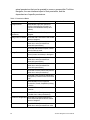
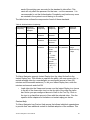
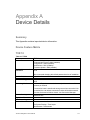
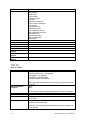
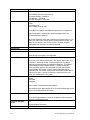
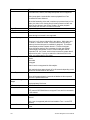
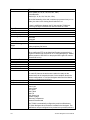
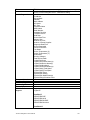
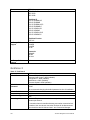
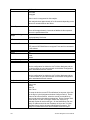
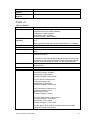
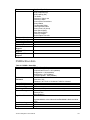
Feature
TVR 40
Motion
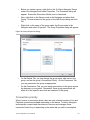
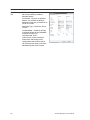
Overlay on video only (via the Settings Dialog - In Band setting)
Yes
Audio
Get the configuration for this device via TruVision Navigator and set
the active zones on a per camera basis via the Motion Configuration
option associated with each camera.
Yes
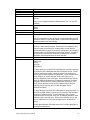
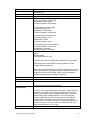
Bi-directional Audio
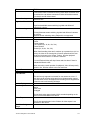
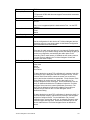
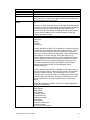
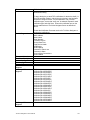
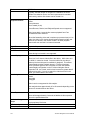
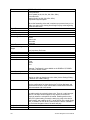
Notifications
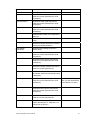
There are 16 audio inputs per device (1 per channel). Enabling audio
on the device is a per channel setting. Access the settings by going to
the device configuration, and enabling the audio option on the
Recording Tab for each camera. If enabled, as soon as any camera
from the device is added in the TruVision Navigator Viewer and
selected, the audio will play.
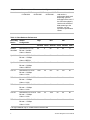
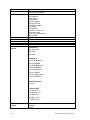
Yes
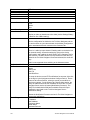
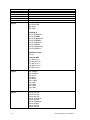
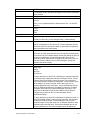
Alarm
Video Loss
Motion
Disk Full
Disk Failure
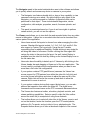
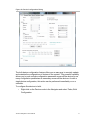
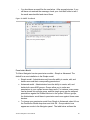
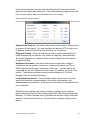
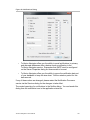
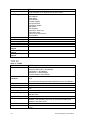
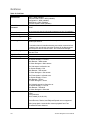
To setup the device to send TCP notifications for cameras, right-click
on the device in the Navigator and select Configure Device. On the
Camera Tab’s Event Section, select the events you would like to
receive and set the schedules as appropriate. On the Camera Tab’s
Rules Section, for each event type, ensure that “notify me” is
selected. Repeat for each event type. On the Notifications Tab, the
Notify IP Address should be the IP address of where the TruVision
Navigator Server service is located (Notification Processor). The
Notify Port is defaulted to 5001 and is editable. Ensure this port
matches the one listed on the TruVision Navigator Server Notifications Dialog.
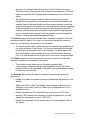
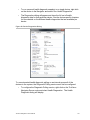
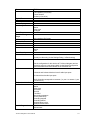
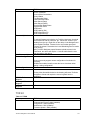
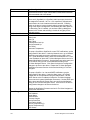
To setup the device to send TCP notifications for the device itself (i.e.
Disk Full and Disk Failure), right-click on the device in the Navigator
and select Configure Device. On the Notification Tab, for each
notification type, ensure that “notify me” is selected. Repeat for each
notification type and click Save. Ensure the notification port on the
device matches that of TruVision Navigator Server as described
above.
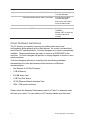
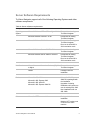
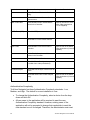
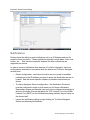
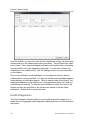
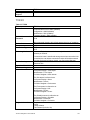
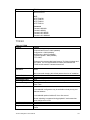
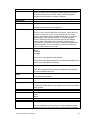
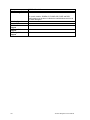
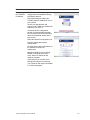
Health Diagnostics
124
Restart the Notification Processor service for TruVision Navigator to
process the notifications.
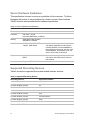
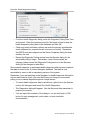
IP Address
MAC Address
Model Name
Serial Number
Firmware Version
Device Date/Time
Total Device Health
HDD Status
HDD Capacity
Cameras in Video Loss
Cameras in Alarm
Current Client Connections
TruVision Navigator 4.0 User Manual