1
High-Speed Wireless Mini-PCI Card
Version: 1.2
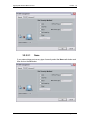
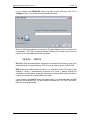
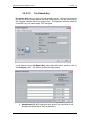
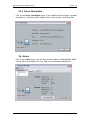
Specific Server or Domain: place a check in this box and enter the server
or domain name. This field is optional.
Login Name: place a check in this box and enter the login name. This field
is optional.
3.2.2.2.4.3
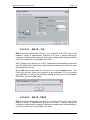
802.1X – LEAP
EAP (Extensible Authentication Protocol) is an extension to the PPP protocol that
enables a variety of authentication protocols to be used. It passes through the
exchange of authentication messages, allowing the authentication software stored in
a server to interact with its counterpart in the client.
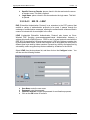
LEAP (Lightweight Extensible Authentication Protocol) also known as CiscoWireless EAP provides username/password-based authentication between a
wireless client and a RADIUS server. LEAP is one of several protocols used with the
IEEE 802.1X standard for LAN port access control. LEAP also delivers a session key
to the authenticated station, so that future frames can be encrypted with a key that is
different than keys used by others sessions. Dynamic key delivery eliminates one big
vulnerability; static encryption keys that are shared by all stations in the WLAN.
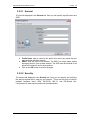
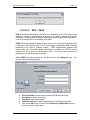
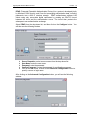
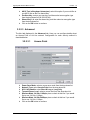
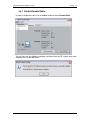
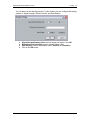
Select LEAP from the drop-down list, and then click on the Configure button. You
will then see the following window.
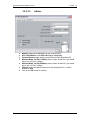
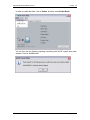
User Name: enter the user name.
Password: enter the password.
Confirm Password: re-type the password for confirmation purposes.
Click on the OK button to continue.
Page 26 of 41