1
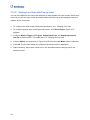
3.9 Exiting to Windows
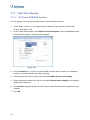
GV-Tower DVR/NVR System and GV-Tower VMS System are protected by GV-Desktop that
is limited to run the selected programs. If you need to exit to Windows desktop, follow these
steps.
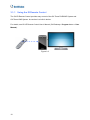
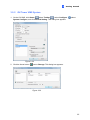
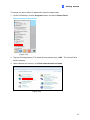
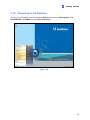
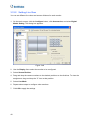
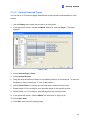
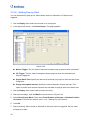
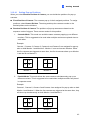
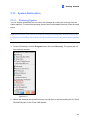
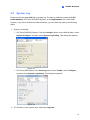
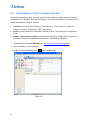
1. Exit the main screen to display the GV-Desktop screen.
• GV-DVR/NVR:
• GV-VMS:
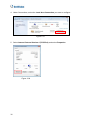
Figure 3-40
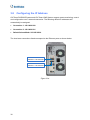
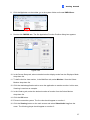
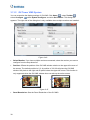
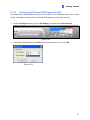
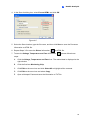
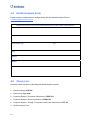
2. Click the Settings button, and type the valid ID and password. The default ID and
Password are “0000”. The Settings dialog box appears.
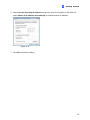
3. Under Desktop Type, select Windows from the drop-down list, and click OK.
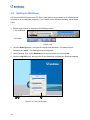
4. Click the Log Off button, and type the ID and Password to display the Windows desktop.
2
4
3
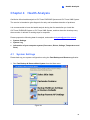
Figure 3-41 The GV-Desktop
34