3 Getting Started
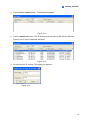
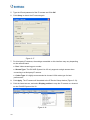
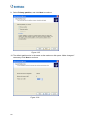
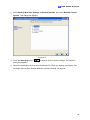
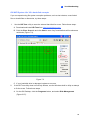
6. Select Use the following IP address, type the new IP information, and click OK to finish
the setting.
Figure 3-26
21