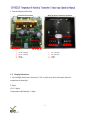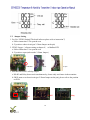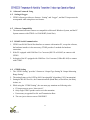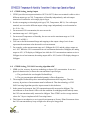
1
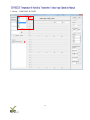
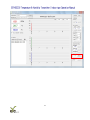
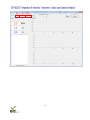
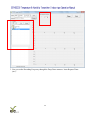
Connection Successful:
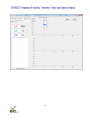
After the connection is successful, the software interface will display the physical quantities as
CO2 concentration, temperature, and humidity, and drawing the trend chart and related
information of GTH03.
7.3. Parameters Setting
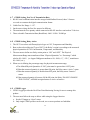
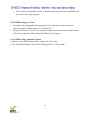
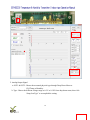
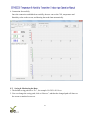
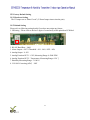
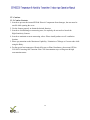
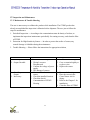
1. Port No. & Transmission Rate
a. ID Setting:The Factory Default Value of “ID” shows on PCB Label as the last 2 digits of 2nd
array.
b. Baud Rate:Choose different rate as 9600, 19200, 38400, then click “SET” to accomplish the
setting.
18