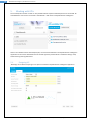
1
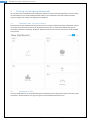
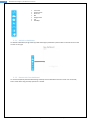
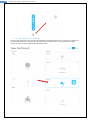
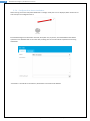
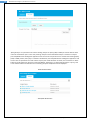
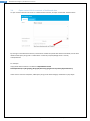
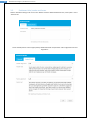
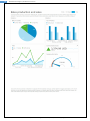
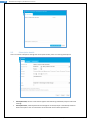
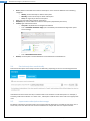
39 Kyubit Business Intelligence, Dashboards user manual 9.4. Occurs, defines scheduled time to deliver subscription. There are three different time scheduling categories: o Weekly, set the week days to deliver subscription o Monthly, set the month days to deliver subscription o Once, set single day to deliver subscription Time, sets time within day to deliver subscription Recipients, list of email addresses to deliver subscription (separated by semicolon) Include, type of delivered content o Only link to Kyubit Business Intelligence dashboard o Link + embedded dashboard image (user immediately sees dashboard image when opens email message) o Link + PDF dashboard document Disable, all subscriptions marked disable will not be delivered at scheduled time. Send subscriptions conditionally Dashboard subscriptions have ability to be sent conditionally, depending on the one of containing KPI status. If dashboard contains at least one KPI, it could be used to set condition to send subscription. For example, if some Key performance indicator is in status “Fail”, subscription could be sent to alarm and inform appropriate users. 9.5. Impersonate subscriptions data usage By default, subscriptions are performed in the context of “Kyubit Subscription” windows service logon user. In some cases, same user does not have access to dashboard or analysis data source. If impersonate user Dashboards with Kyubit Business Intelligence User Manual, www.kyubit.com - [email protected]