1
Max 8 and 8 Plus User’s Guide – Chapter 4
number of allowable callers will be 9, since the comma ( , )
that separates the different numbers occupies one digit.
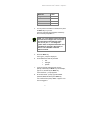
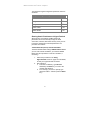
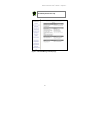
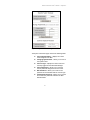
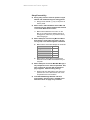
The inbound allow list table contains the following
columns:
Port – identifies the port number that you are
configuring on the Max.
Interface – displays whether the port is an FXO
or an FXS port.
Allow List – click in this field to enter the
telephone numbers that you would like to allow.
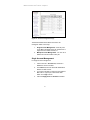
Allow All Callers radio button – this setting,
which is the default, permits all calls, regardless
of whether or not they are included in the Allow
List field for that port; it disables the allow list
feature without forcing you to delete all the
numbers in the Allow List field.
Disconnect Unauthorized Caller radio button –
if this radio button is selected, all callers who are
not in the allow list for that port will be
disconnected.
Request Account and PIN From Unauthorized
Callers radio button – if this radio button is
selected, all callers who are not in the allow list
for that port will be prompted for their account
number and PIN; callers who enter them correctly
will be permitted.
54