1
CubeSuite+ V2.02.00
CHAPTER 2 FUNCTIONS
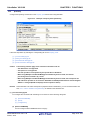
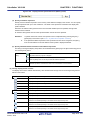
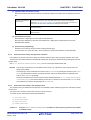
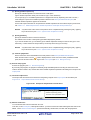
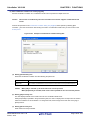
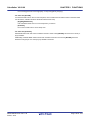
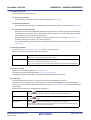
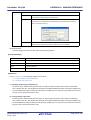
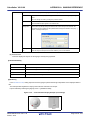
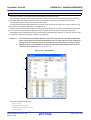
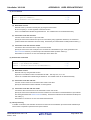
(d) Change the display order
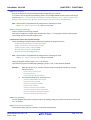
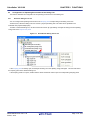
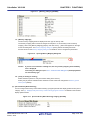
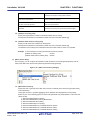
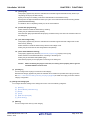
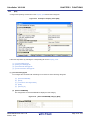
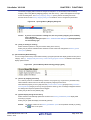
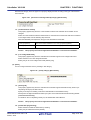
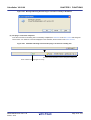
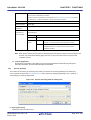
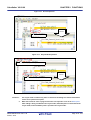
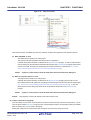
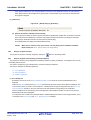
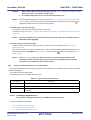
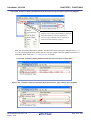
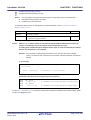
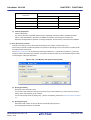
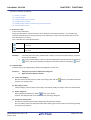
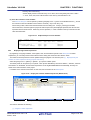
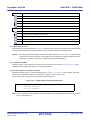
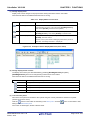
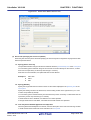
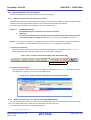
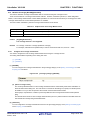
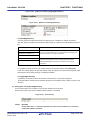
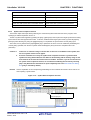
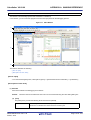
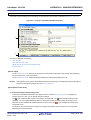
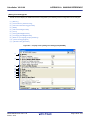
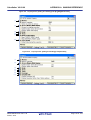
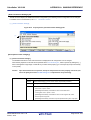
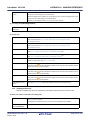
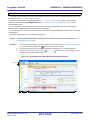
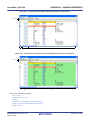
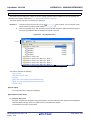
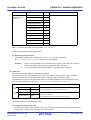
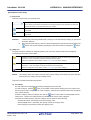
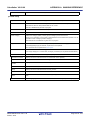
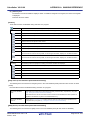
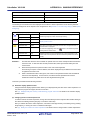
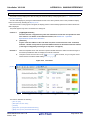
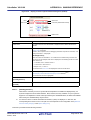
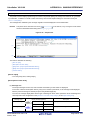
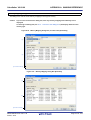
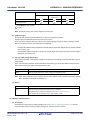
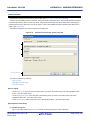
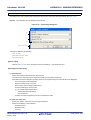
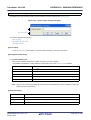
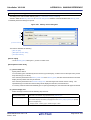
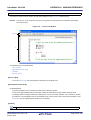
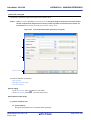
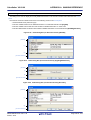
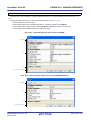
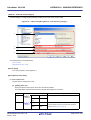
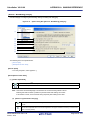
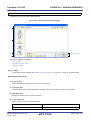
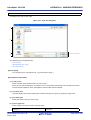
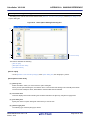
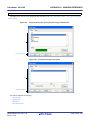
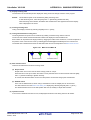
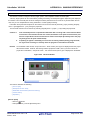
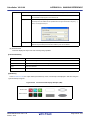
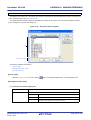
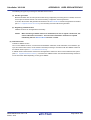
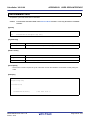
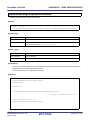
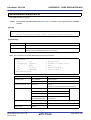
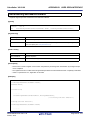
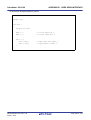
Registered watch-expressions are categorized when they are dragged and dropped in the category.
Also, the display order of the categories and the watch-expressions (upper or lower position) can be changed
easily by drag and drop operation.
Remark
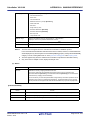
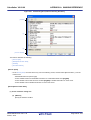
Drag and drop the watch-expressions/categories in other watch panel (Watch1 to Watch4) to copy
them.
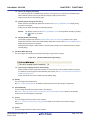
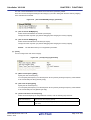
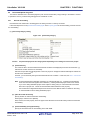
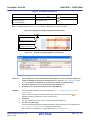
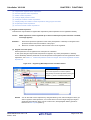
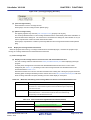
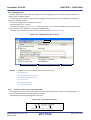
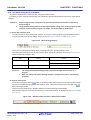
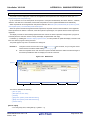
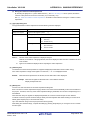
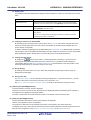
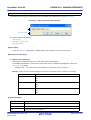
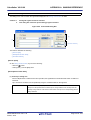
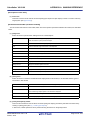
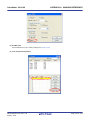
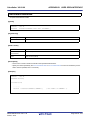
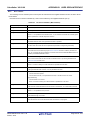
(3) Edit the registered watch-expressions
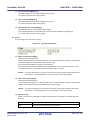
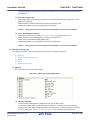
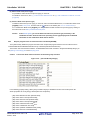
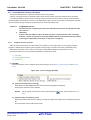
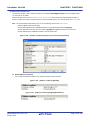
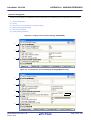
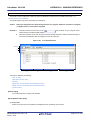
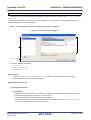
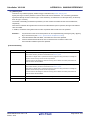
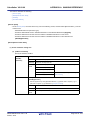
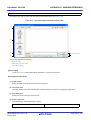
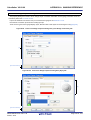
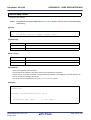
Registered watch-expressions can be edited.
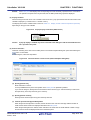
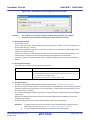
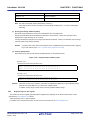
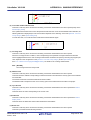
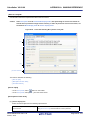
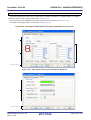
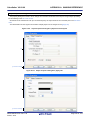
Double-click the watch-expression to edit to switch the watch-expression to edit mode (press the [Esc] key to
cancel the edit mode).
Directly edit from the keyboard and then press the [Enter] key.
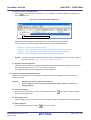
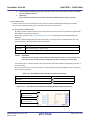
(4) Delete a watch-expression
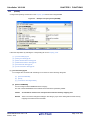
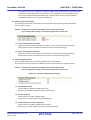
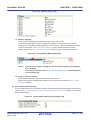
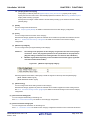
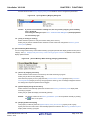
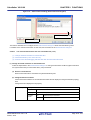
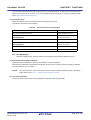
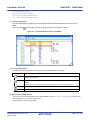
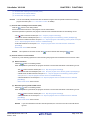
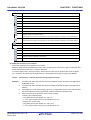
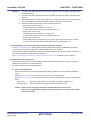
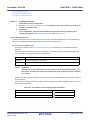
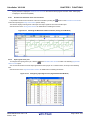
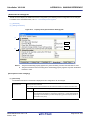
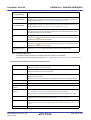
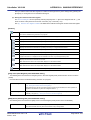
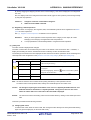
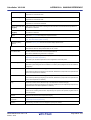
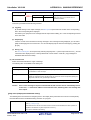
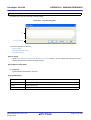
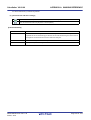
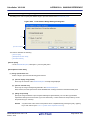
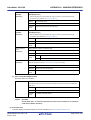
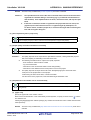
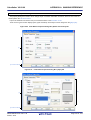
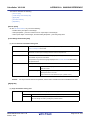
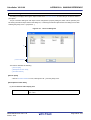
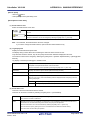
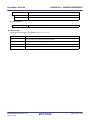
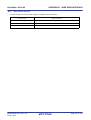
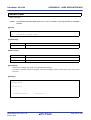
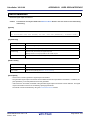
To delete watch-expressions, select the one you want to delete in the Watch panel then click the
button in the
toolbar.
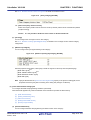
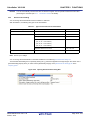
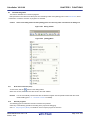
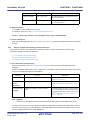
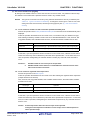
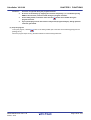
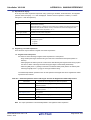
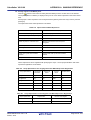
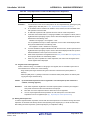
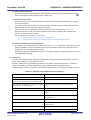
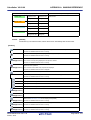
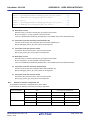
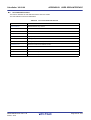
(5) Change display format of values
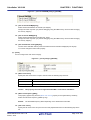
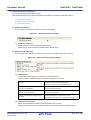
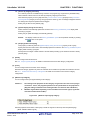
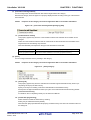
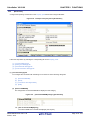
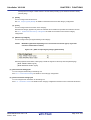
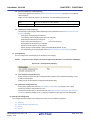
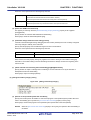
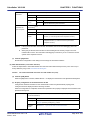
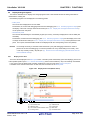
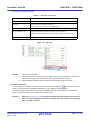
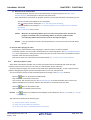
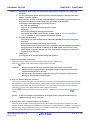
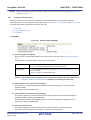
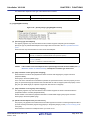
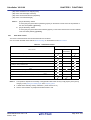
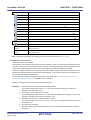
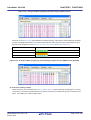
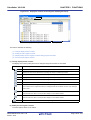
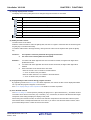
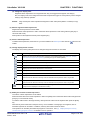
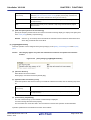
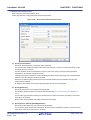
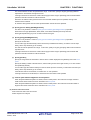
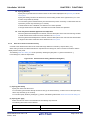
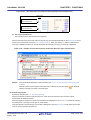
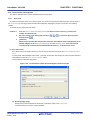
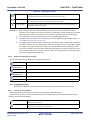
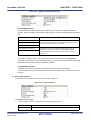
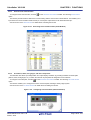
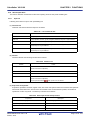
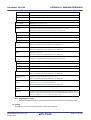
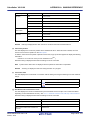
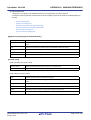
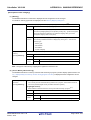
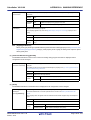
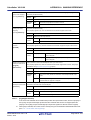
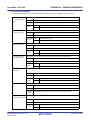
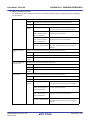
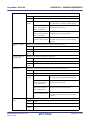
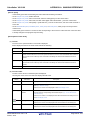
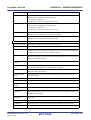
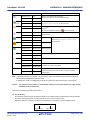
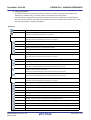
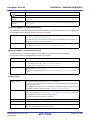
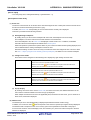
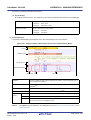
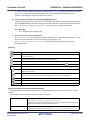
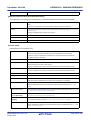
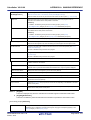
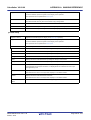
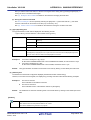
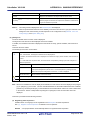
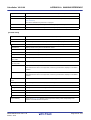
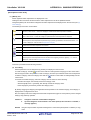
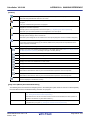
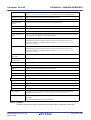
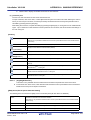
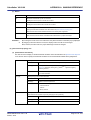
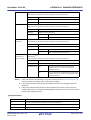
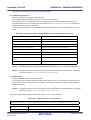
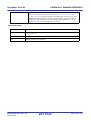
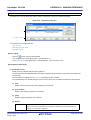
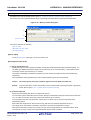
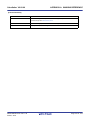
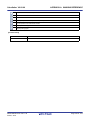
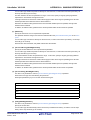
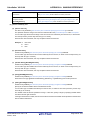
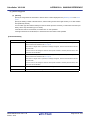
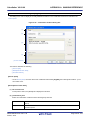
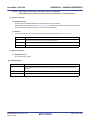
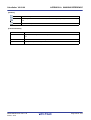
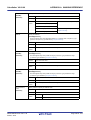
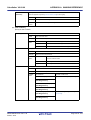
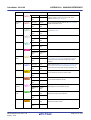
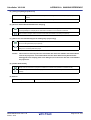
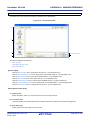
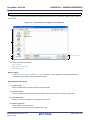
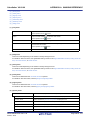
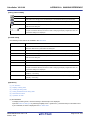
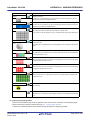
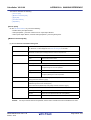
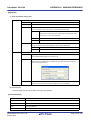
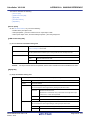
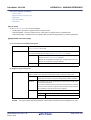
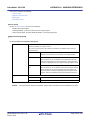
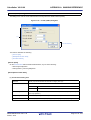
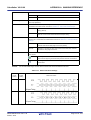
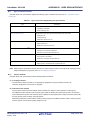
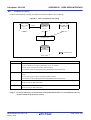
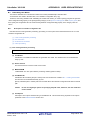
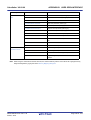
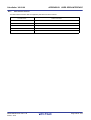
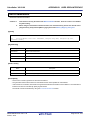
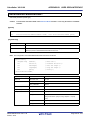
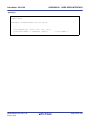
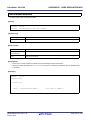
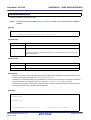
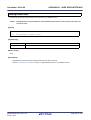
The display format of the [value] area can be changed using buttons below on the toolbar.
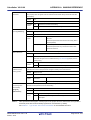
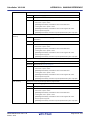
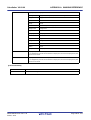
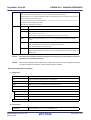
Notation
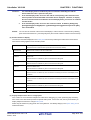
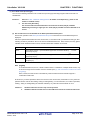
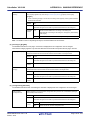
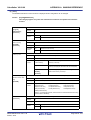
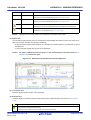
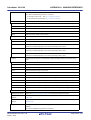
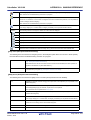
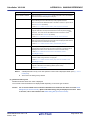
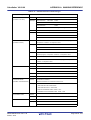
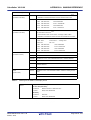
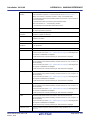
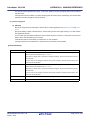
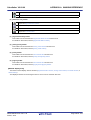
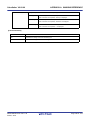
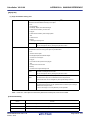
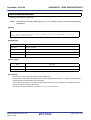
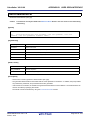
The following buttons to change the notation of a data value are displayed.
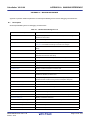
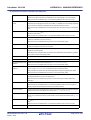
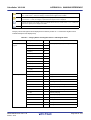
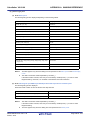
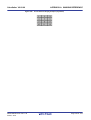
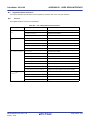
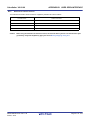
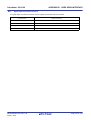
Displays the value of the selected watch-expression in the default notation (see "Table A-9. Display
Format of Watch-Expressions (Default)") according the type of variable (default).
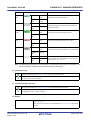
Displays the value of the selected item in hexadecimal number.
Displays the value of the selected item in signed decimal number.
Displays the value of the selected item in unsigned decimal number.
Displays the value of the selected item in octal number.
Displays the value of the selected item in binary number.
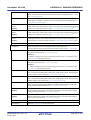
Displays the value of the selected item in ASCII code.
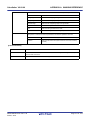
Displays the value of the selected item in Float.
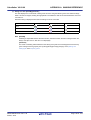
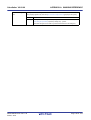
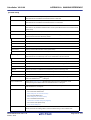
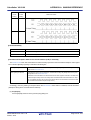
Note that this item becomes valid only when the selected watch-expression value is 4-byte data.
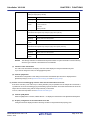
Displays the value of the selected item in Double.
Note that this item becomes valid only when the selected watch-expression value is 8-byte data.
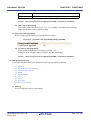
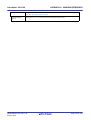
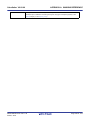
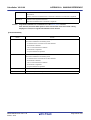
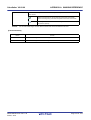
Adds the value in hexadecimal number enclosing with "()" at the end of the value of the selected item
(except the item displayed in hexadecimal number).
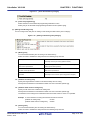
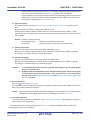
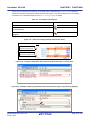
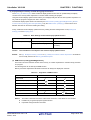
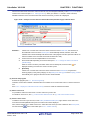
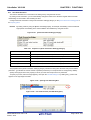
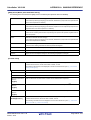
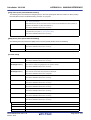
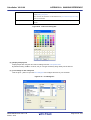
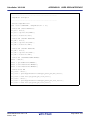
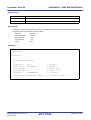
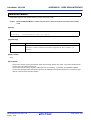
(6) Modify the contents of watch-expressions
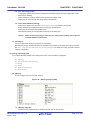
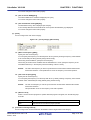
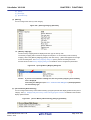
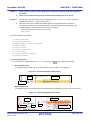
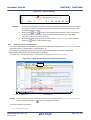
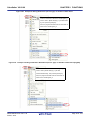
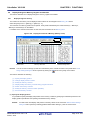
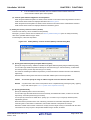
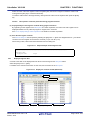
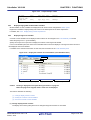
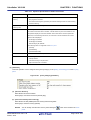
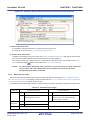
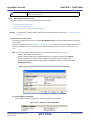
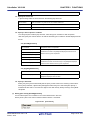
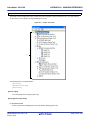
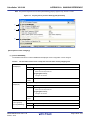
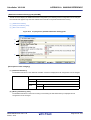
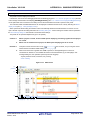
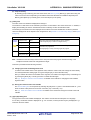
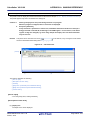
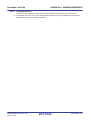
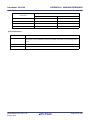
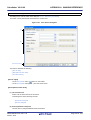
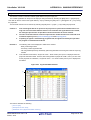
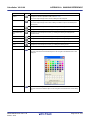
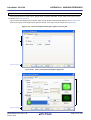
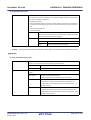
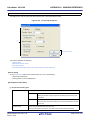
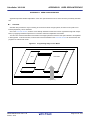
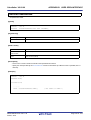
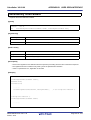
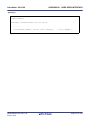
The values of watch-expressions can be edited.
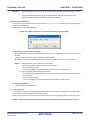
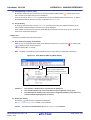
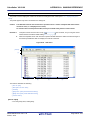
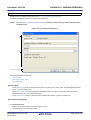
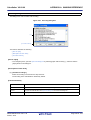
Double-click the value of the watch-expression to edit in the [Value] area to switch the value to edit mode (press the
[Esc] key to cancel the edit mode).
To write the edited value to the target memory, directly enter the value from the keyboard then press the [Enter]
key.
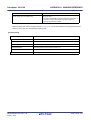
Note that only those values that correspond one by one to variables of C language, CPU registers, SFR or
assembler symbols can be edited. In addition, read-only SFR values cannot be edited.
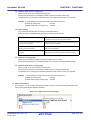
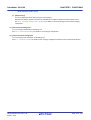
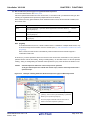
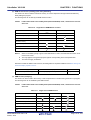
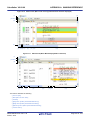
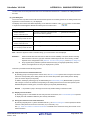
This operation can be taken place while the program is in execution. See "(4) Display/modify the memory
contents during program execution" for details on how to operate it.
R20UT2867EJ0100 Rev.1.00
Feb 01, 2014
Page 117 of 572