1
Ошибка! Стиль не определен.
Dialing
The user can dial to the IP phone, using EasySync.
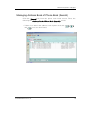
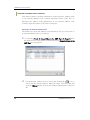
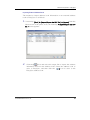
Dialing using Phone Book
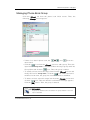
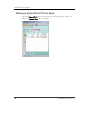
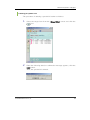
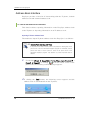
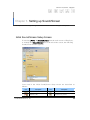
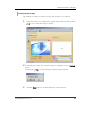
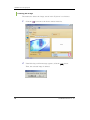
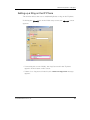
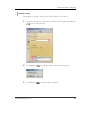
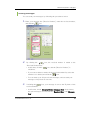
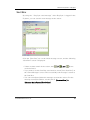
Select a phone number (home, mobile, office, others or fax) from the
<Phone Book (Search)> screen and click the [
] icon to dial to the
selected number.
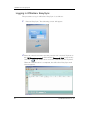
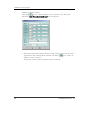
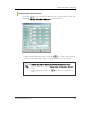
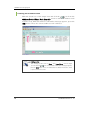
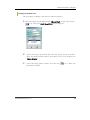
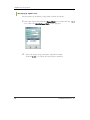
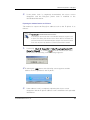
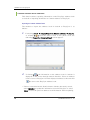
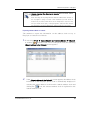
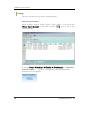
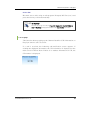
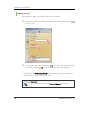
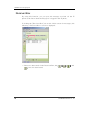
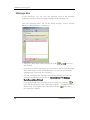
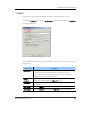
If setting [Tools] Æ [Options] Æ [Useful] Æ [Notification] as <Notify when
IP-Phone is called > ‘ checked’ during dialing, the following dialing
information screen appears:
24
© SAMSUNG Electronics Co., Ltd.