1
To return to Auto level, switch the Manual button to OFF (both LEDs turn off).
The Laser will pause whilst it finds true level, then automatically restart,
self-levelled.
Setting both X & Y axis slope (dual grade) Proceed as above, but set BOTH "X" and "Y" axis - as required.
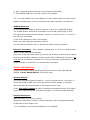
Automatic Drift System (ADS):
Operated via bottom, right-hand button, marked "tilt".
Once the FRE-102AR is ON and rotating in the auto (self) levelled mode, the
automatic drift system can be activated. Press the button & the green LED will
illuminate. ADS is now ON.
If the Laser is knocked or caught by a gust of wind for example, the laser head
will stop rotating and the green ADS LED will flash quickly in alarm condition.
Check all is OK; press the "tilt" button again & the laser will reset to AUTO level.
IMPORTANT NOTE: The ADS function cannot be set when Grading.
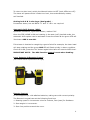
Laser Detector & Remote Control:
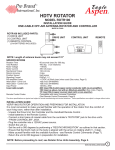
(The remote control is pictured on the right)
Remote Control:
Fit the supplied 2pc x AA alkaline batteries, taking care with correct polarity.
The Remote’s keypad can set the following functions:
1. Rotating speed in increments: slow for Indoors, fast (max) for Outdoors.
2. Scan angles in increments.
3. Scan line position around the room.
4