1
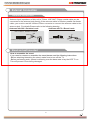
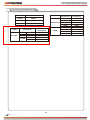
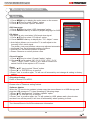
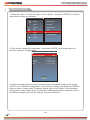
Network Setting
LAN
Network Configuration
Static
IP
Netmask
Gateway
DNS
169. 254. 018. 061
255. 255. 255. 000
172. 016. 088. 254
172. 016. 064. 058
Setting
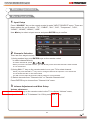
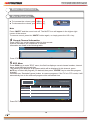
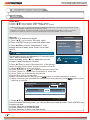
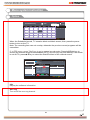
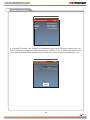
4. If shows "Success", the "WLAN" on the bottom right corner will turn to green from red,
and it means the network connect successfully; If shows "Fail", it means the network can
not connect, please check whether the net wire and router connect successfully or not.
LAN
Network Configuration
IP
Netmask
Gateway
DNS
DHCP
169. 254. 018. 061
255.
255. 255. 000
Fail
172. 016. 088. 254
172. 016. 064. 058
Setting
33
33