1
Section 4 - SharePort
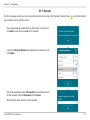
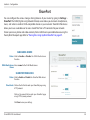
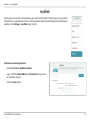
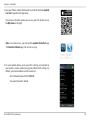
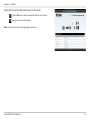
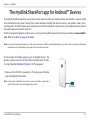
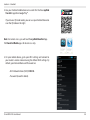
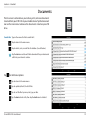
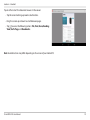
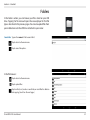
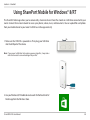
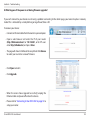
2.Use your iPhone, iPad or iPod touch to search for the free mydlink
SharePort app from the App Store.
If you have a QR code reader, you can use your iOS device to scan
the QR code on the right.
Note: For remote access, you will need the mydlink SharePort app.
The SharePort Mobile app is for local access only.
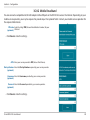
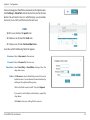
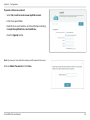
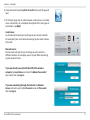
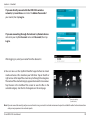
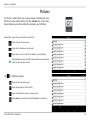
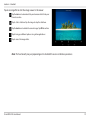
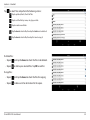
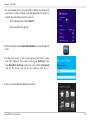
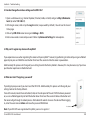
3.On your mobile device, go to your Wi-Fi settings and connect to
your router’s wireless network using the default Wi-Fi settings. By
default, your Network Name and Password are:
• Wi-Fi Network Name (SSID): DIR510L
• Password: (leave this blank)
D-Link DIR-510L User Manual
50