1
Section 3 - Configuration
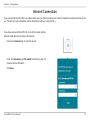
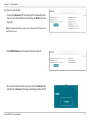
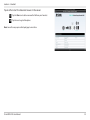
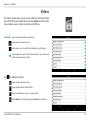
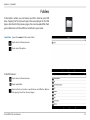
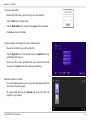
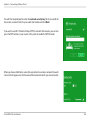
When you are connected to the Internet via mobile broadband, the Internet icon should be blue and the link will have a green
check mark .
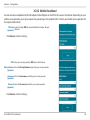
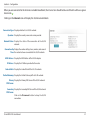
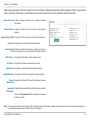
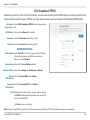
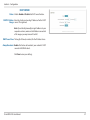
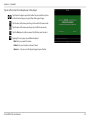
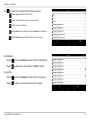
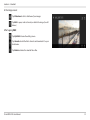
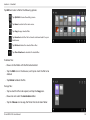
Clicking on the Internet icon will display the 3G/4G network details.
Connection Type: Displays whether it is a 3G/4G network.
Operator: Displays the country name and service provider.
Network Status: Displays the status of the connection to the 3G/4G
network.
Connection Up Displays the number of days, hours, minutes, and seconds
Time: the router has been connected to the 3G/4G network.
MAC Address: Displays the MAC Address of the 3G/4G adapter.
IP Address: Displays the IP Address provided to the router.
Subnet Mask: Displays the Subnet Mask of the 3G/ 4G network.
Default Gateway: Displays the Default Gateway of the 3G/4G network.
Primary Displays the Primary DNS Server of the 3G/4G network.
DNS Server:
Secondary Displays the Secondary DNS Server of the 3G/4G network.
DNS Server:
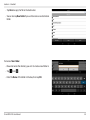
Click on the Disconnect button to drop the 3G/4G
connection.
D-Link DIR-510L User Manual
21