1
Section 3 - Configuration
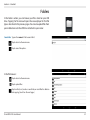
Connecting to Your DIR-510L
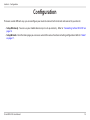
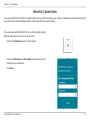
Before you can configure the DIR-510L, you will first need to connect to it wirelessly from your mobile device or computer.
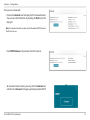
• Make sure the DIR-510 L is either charged* or plugged in. Turn
the router on by sliding the ON/OFF/CHARGER switch to ON.
ON
ON
OFF
CHARGER
*Note: The battery LED will be solid green when the battery is at
80% capacity or higher.
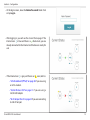
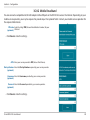
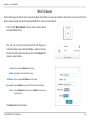
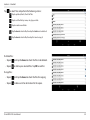
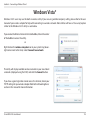
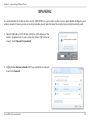
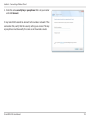
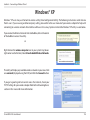
• From your wireless computer or mobile device, connect to
the DIR-510L. Use the following settings:
Mobile
Desktop
• 2.4GHz Wi-Fi Network Name (SSID): DIR510L
• 5Hz Wi-Fi Network Name (SSID): DIR510L_5GHz
• Password: blank by default
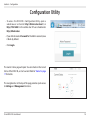
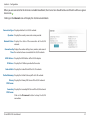
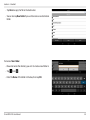
• Open a web browser (e.g., Internet Explorer) on your mobile
device or computer. You can enter http://dlinkrouter.local./
or http://192.168.0.1 in the address bar. XP users should
enter http://dlinkrouter.
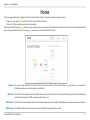
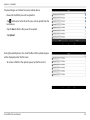
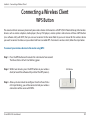
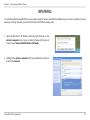
Note: If you have a device that supports Wi-Fi Protected Setup, please refer to ”WPS Button” on page 107.
D-Link DIR-510L User Manual
14