1
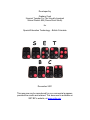
MB Pro: A Visual Guide
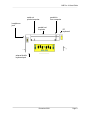
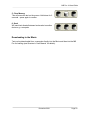
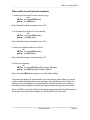
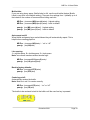
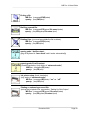
C = Commands
This is a useful feature for younger students who require
auditory feedback while brailling commands.
Note: repeat the letter ‘C’ to select the following:
• “speak commands yes”
• “speak commands no’
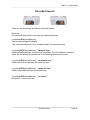
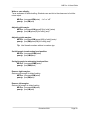
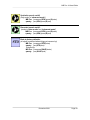
L = Speaking Mode
Note: repeat the letter ‘L’ to select the following:
• “letters spoken as ASCII”
• “letters spoken as dots” (i.e. # sign 3,4,5,6)
• “letters spoken as translated”
(default setting i.e. 'ab' spoken as 'about')
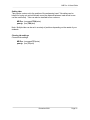
Exit From Speech Menu
E + space (S) (together) = “Exit”
December 2001
Page 34