1
Advanced Operation
Web Interface
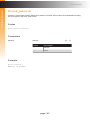
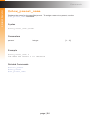
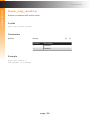
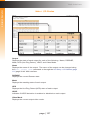
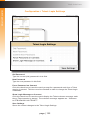
Internal - 1080p 2 ch audio
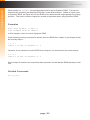
This mode can be used as a generic EDID. Resolutions up to 1080p Full HD
are supported along with 2-channel audio.
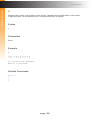
Internal - 1080p Multi ch
Same as above except with multichannel audio support.
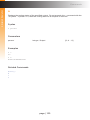
External - Output1
Uses the (downstream) EDID of the sink device connected to Output 1.
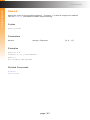
Custom - Last Output
Uses the EDID from the last output on the matrix. For example, this matrix has a
total of two outputs. If a sink device is connected to both Out 1 and Out 2, then
the matrix will use the EDID from the sink that is connected to Out 2. Likewise, if
a sink device is connected only to Out 2, then the EDID from Out 2 will be used.
Alternatively, if a sink device is connected only to Out 1, then the EDID from Out
1 will be used.
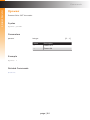
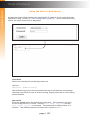
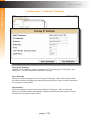
Custom - User
Used to select an EDID from the desired bank and copy it to an input.
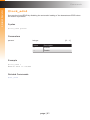
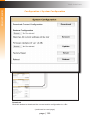
To do this, select the bank from the Copy EDID From drop-down list.
Next, select Custom - User for the desired input, under the EDID Modes
column. Finally, place a check mark in the Copy To check box, then click the
Copy button.
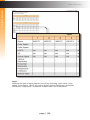
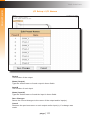
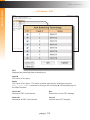
Input #
The number of the input.
Name
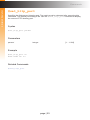
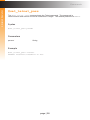
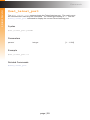
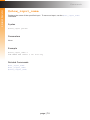
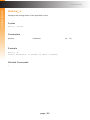
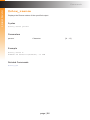
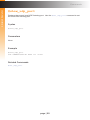
The name of the input. The name of the input can be changed using the
#set_input_name command or through the I/O Setup ► I/O Names page of
the Web interface.
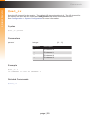
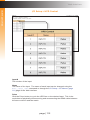
EDID Source
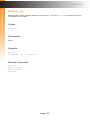
The current EDID source being used.
EDID Name
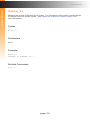
The name of the EDID.
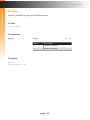
Clear All
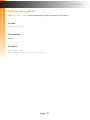
Clears all check marks from the Copy To column.
page | 117