1
Advanced Operation
Commands
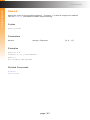
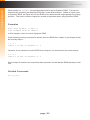
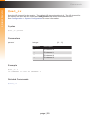
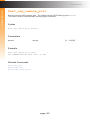
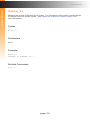
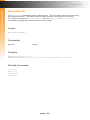
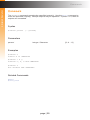
When param1 = dynamic, the specified input will be set to Dynamic EDID. This can be
observed by accessing the Manage EDID tab, in the Web interface. When an input is set
to Dynamic EDID, the input will use the EDID of the last selected output during the routing
process. The order in which outputs are routed is important when using Dynamic EDID.
Examples
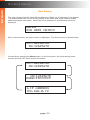
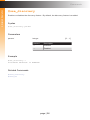
#set_edid dynamic 0 input 4
COPY DYNAMIC EDID TO INPUT4.
In this example, Input 4 is set to Dynamic EDID.
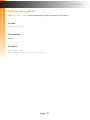
If the following routing command is issued, then the EDID from Output 3 (not Output 2) will
be used by Input 1:
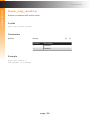
r 4 2 3
INPUT 4 IS SET TO OUTPUTS 2, 3
However, if we wanted to use the EDID from Output 2, we would write the command as:
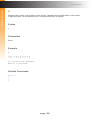
r 4 3 2
INPUT 4 IS SET TO OUTPUTS 3, 2
Since Output 2 was the last output that was specified, this will be the EDID that Input 4 will
use.
Related Commands
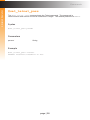
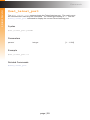
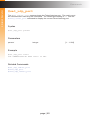
#lock_edid
page | 52