1
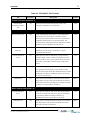
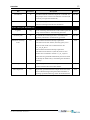
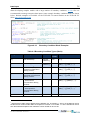
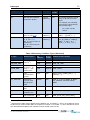
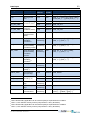
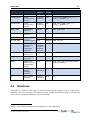
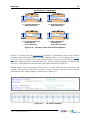
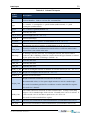
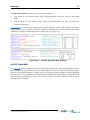
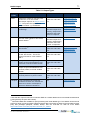
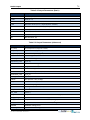
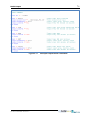
Boundary conditions can be applied: Spatially (typically metrological conditions and/or wave fields) Along a nodestring (external boundaries such as water levels or flows) o The [id] value is the nodestring identifier included in the mesh geometry file (see Section 4.2.1.1) As a point source (within a single cell such as an outfall discharge) o The [xid], [yid] values are the coordinates of the source location within the model domain. The commands that can be used within a BC block are: BC header Sub-type BC offset BC scale BC default BC update dt BC time units BC reference time Include MSLP Include wave stress Include stokes drift Layer Vertical distribution Vertical coordinate type BC nodestrings BC Header == <Header1,Header2,...> (Optional) BC block command that allows the user to specify the .csv input file column headers or netCDF file variable names (thereby overriding the defaults in described in Table 4-3and Table 4-4). This command should immediately follow a BC command. For example, the following lines apply a cell inflow (QC boundary condition type) at the cell which lies at the x,y coordinate 1025.5, 950.5. It looks in the specified .csv file for columns Time, Tailwater_Flow and Turbidity: TUFLOW FV USER MANUAL BUILD 2014-01