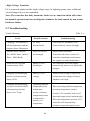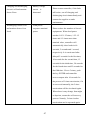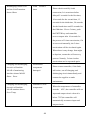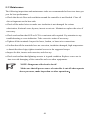
1
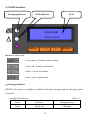
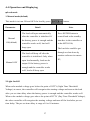
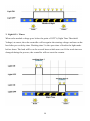
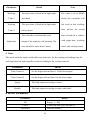
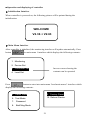
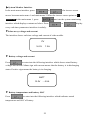
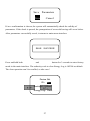
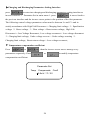
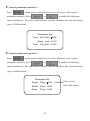
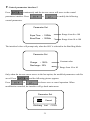
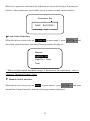
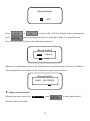
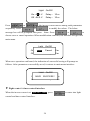
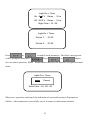
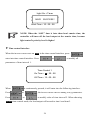
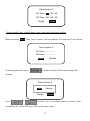
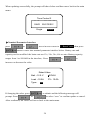
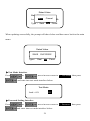
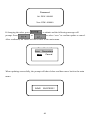
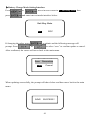
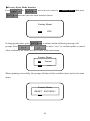
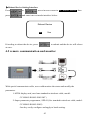
4.4 Operation and Displaying Load mode 1.Manual mode(default) This mode is to turn ON and OFF the load by press Parameter Manual ON(default) Detail Note The load will open automatically Press ENTER button to after the controller is initialized. If control load at the standby the battery power is enough and the interface in the controller or controller works well, load will in the MT50/100; keep open The load also could be got The load will keep off after the controller is initialized. Only when Manual OFF button. open load manually, load can be through or shut down by monitor software in remote PC; output. If the battery power is enough and the controller works well, load will keep open 2.Light On/Off When solar module voltage goes below the point of NTTV (Night Time Threshold Voltage) at sunset, the controller will recognize the starting voltage and turn on the load after pre-set time delay when the battery power is enough and the controller works well. When solar module voltage goes above the point of DTTV (Day Time Threshold Voltage), the solar controller will recognize the starting voltage and turn off the load after pre-set time delay. The pre-set time delay is range of 0 to 99 minutes. 17