1
MnM Management Utility – User Manual
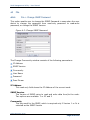
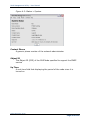
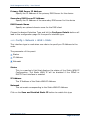
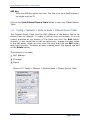
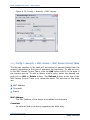
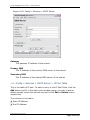
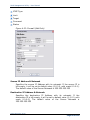
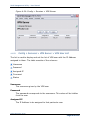
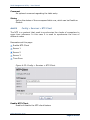
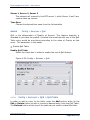
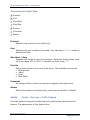
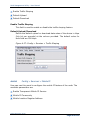
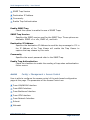
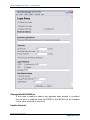
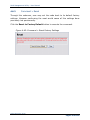
SNMP Trap Version
Destination IP Address
Community
Enable Trap Authentication
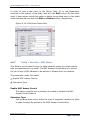
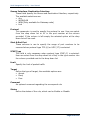
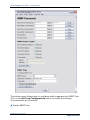
Enable SNMP Trap
Check this option to enable the use of SNMP Traps
SNMP Trap Version
Specifies the SNMP version used for the SNMP Trap. Three options are
available: SNMP v1 or v2c, SNMP v3, and both
Destination IP Address
Specifies the destination IP Address to send the trap message to. Fill in
the IP Address of the Trap Viewer will enable the Trap Viewer to
capture the trap release by this node
Community
Specifies the secret password refer to the SNMP Trap.
Enable Trap Authentication
Check the checkbox to enable the sending of trap when authentication
failure occurs
4.4.18
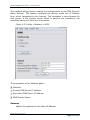
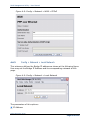
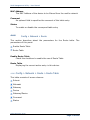
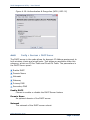
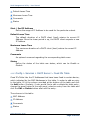
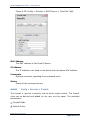
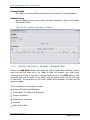
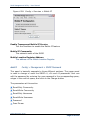
Config > Management > Access Control
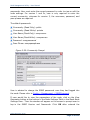
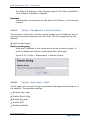
User is able to configure the access control of the web-based configuration
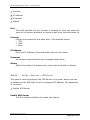
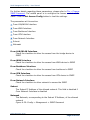
page at this page. The parametes of the Access Control are:
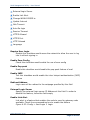
From LAN/WLAN Interface
From WAN Interface
From Backbone Interface
From VPN Interface
From Network Interface
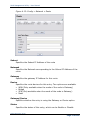
Subnet
Netmask
MnM Configuration Guide
Page 94 of 110