1
MnM Management Utility – User Manual
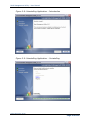
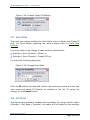
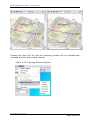
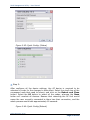
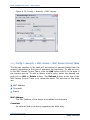
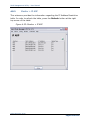
Figure 3.45: Quick Config. (Status)
Step 5:
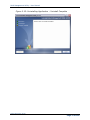
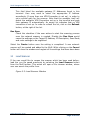
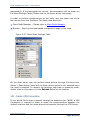
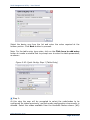
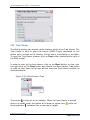
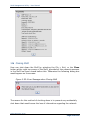
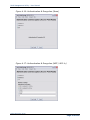
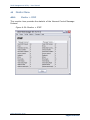
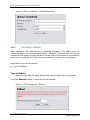
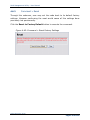
After configure all the desire settings, the AP device is required to be
rebooted in order for the changes to take effect. Select the check box of the
correspond node that need to reboot, and click on the Reboot and Close
button. Select the All button to select all the nodes, whereas the None
button will unselect all devices. Beware that rebooting the AP Unit would
cause the user currently connected to them lose their connection, and the
whole process would take approximately 60 seconds.
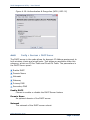
Figure 3.46: Quick Config.(Reboot)
MnM Configuration Guide
Page 51 of 110