1
SuperDVR Software
User Manual
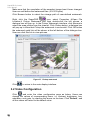
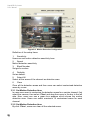
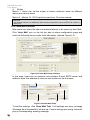
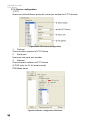
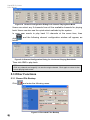
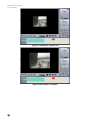
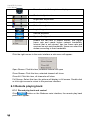
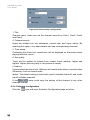
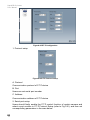
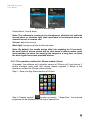
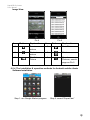
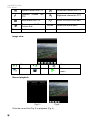
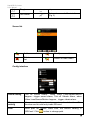
Figure3-8 Video Configuration
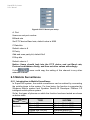
Definitions of the setup items:
1. Contrast
Set image color contrast.
2. Brightness
Set image brightness.
3. Hue
Set image hue.
4. Saturation
Set image Saturation
5. Default
Load defaults, i.e. set the first four items value. The range of value is from
0—255.
6. Copy to
Copy the settings of this channel to other channels.
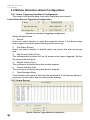
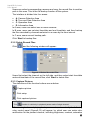
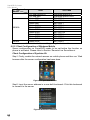
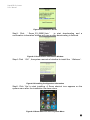
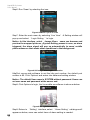
3.3 Motion Detection Configuration
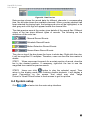
Click
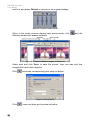
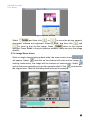
and enter Motion Detection Configuration page,
21