1
SuperDVR Software
User Manual
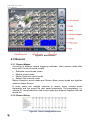
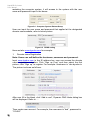
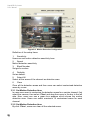
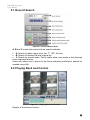
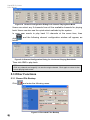
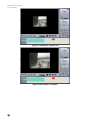
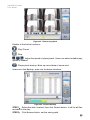
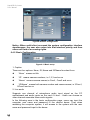
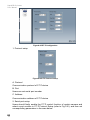
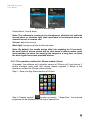
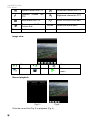
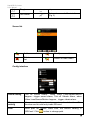
Figure6-5 Remote play back
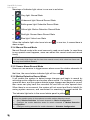
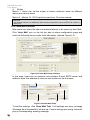
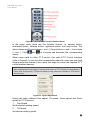
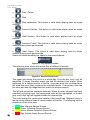
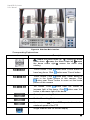
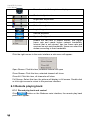
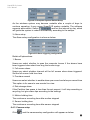
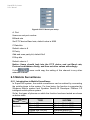
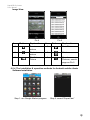
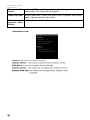
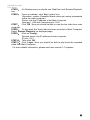
Explain of the button functions:
: Play/ Pause
: Stop
: Adjust the speed of playing back. Users can select suitable play
speed in needed.
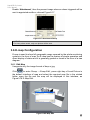
: Playing back backup. Back up record data of server-end.
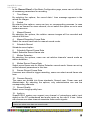
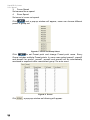
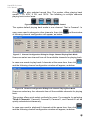
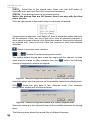
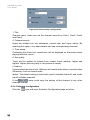
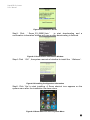
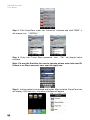
Users can click Backup, enter into the below interface:
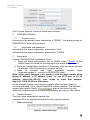
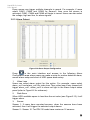
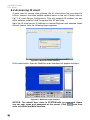
Figure6-6 Remote backup
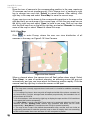
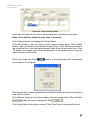
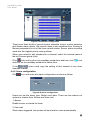
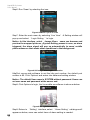
STEP1: Select the date, channel, then click Search button. It will list all files
recorded in the day.
STEP2: Click Browse button, set the saving path.
51