1
11.
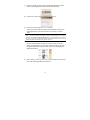
After the transfer is completed, disconnect the USB cable from your eReader. You are now ready to enjoy your new eBook. Playing Music
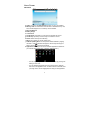
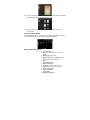
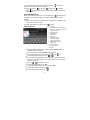
Your Internet Tablet provides two applications for you to play music files: Audio
Player and Music. You can choose “Music” or “Audio Player” in the Application
Tab to enter the music player mode. Let’s take the Audio Player as example to
explain how to play music.
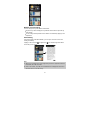
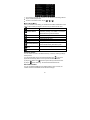
Music Library
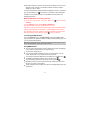
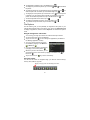
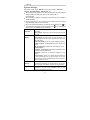
You should enter the music library once you start up the audio player. The Music
Library shows your music files sorted by categories (Artist, Album, Genre, etc.) if
your music files contain these song information tags. If some of your music files
do not contain information tags, they will be classified as (Unknown) in the Music
Library. When new music is copied to Your Internet Tablet, the Music Library will
be updated automatically.
25