1
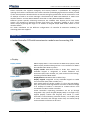
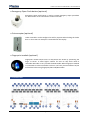
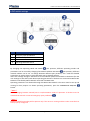
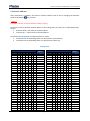
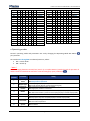
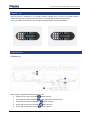
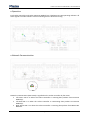
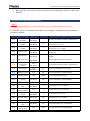
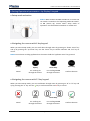
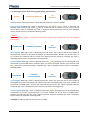
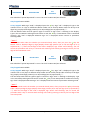
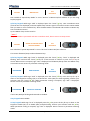
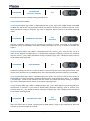
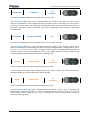
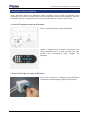
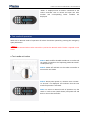
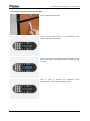
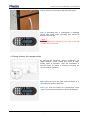
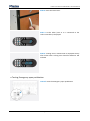
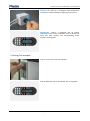
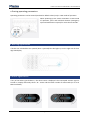
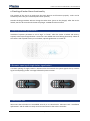
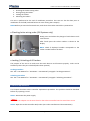
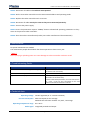
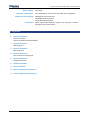
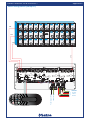
Locker Controller ELS & ELS SELECT Technical Manual 1. 2. 3. 4. Checking the lockers wiring order Closing/hiring the lockers Locking the lockers Unlocking the lockers This test is performed at the end of installation procedure. This test can also be done prior to installation on the field (technical failure can occur during the transport). NOTE: Before you start the functional test, make shure that Locker Controller is powered on. Checking locker wiring order (ELS Systems only) Slowly press and release the plunger of each Electric Lock several times. After fourth press the Locker number is shown on the display. Press several times NOTE: Check if displayed number corresponds to the Locker number fixed on the door! Locking / Unlocking of All Lockers The purpose of the test is to make sure that each Electric Lock functions properly. Locks can be tested only when they are unlocked (locker door opened). Locking procedure See “ELS - User Manual” or “ELS SELECT – User Manual” paragraph “Locking procedures”. Unlocking procedure See “ELS - User Manual” or “ELS SELECT – User Manual” paragraph “Unlocking procedures”. Device replacement This chapter describes Locker Controller replacement procedure. The problem should be identified before any repairing is tried. STEP 1: Disconnect the power supply. NOTE Disconnect the adapter not the wires fixed on the Locker Controller board to avoid short circuit. STEP 2: Open the Locker Controller Box/Locker (see Locker manufacturer's documentation). Page 39