1
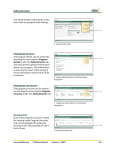
How to Login Step 1: Launch the Internet browser and enter the Roadmap ERP URL Figure 1-1 The login screen will appear. Figure 1-2 Steps: Enter the user id Enter the password Click on Login to get logged into the application Click on the Exit button to exit. Operating Instructions Page 5