1
points.
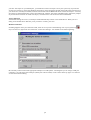
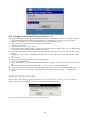
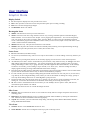
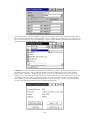
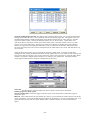
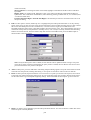
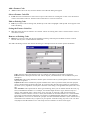
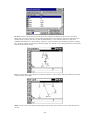
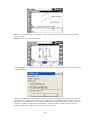
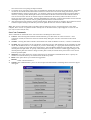
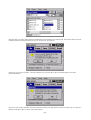
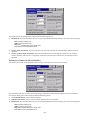
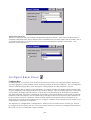
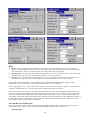
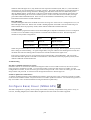
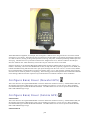
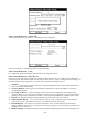
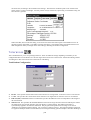
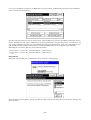
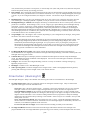
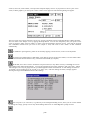
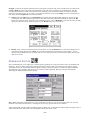
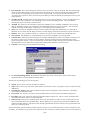
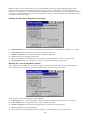
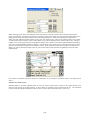
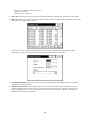
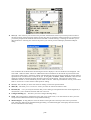
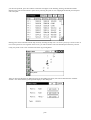
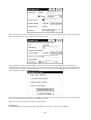
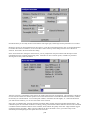
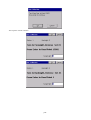
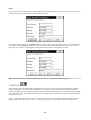
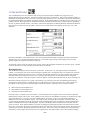
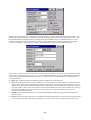
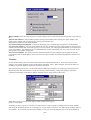
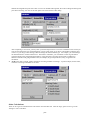
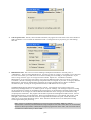
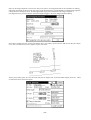
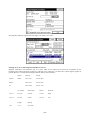
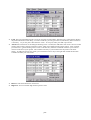
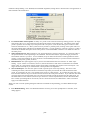
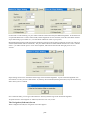
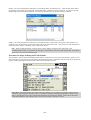
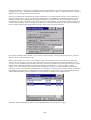
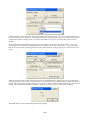
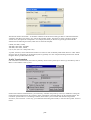
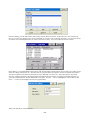
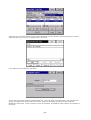
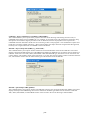
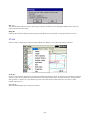
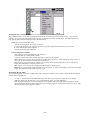
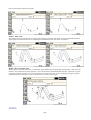
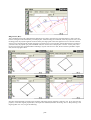
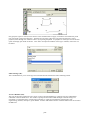
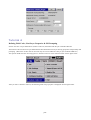
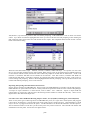
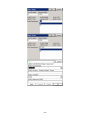
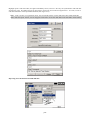
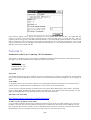
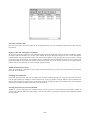
If you want to create a duplicate point, simply change the point number and press enter. You can also edit one or more
attributes of a point and then change the point number to do this.
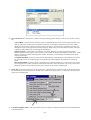
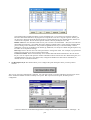
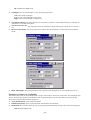
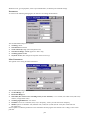
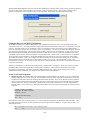
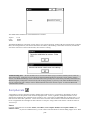
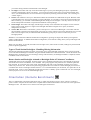
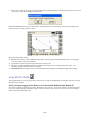
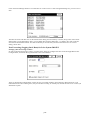
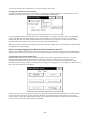
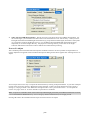
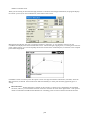
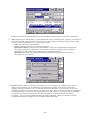
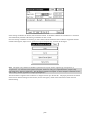
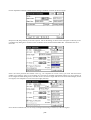
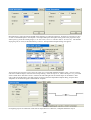
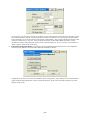
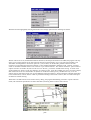
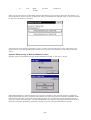
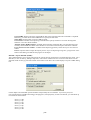
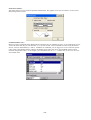
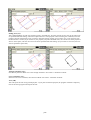
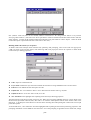
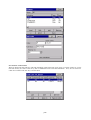
If you want a duplicate point with a different elevation, click in the elevation field and change it. We will change this
one to 880.00. Then without pressing enter, click in the point number field and change it to 107A. Now, when you
press Store, point 107A is saved using the northing and easting of point 107 and the new elevation.
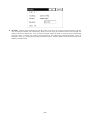
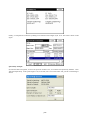
Note: As shown in this latest example, alphanumeric characters are acceptable for numbering points.
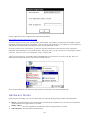
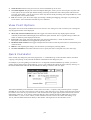
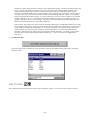
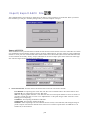
Inverse
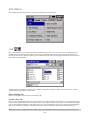
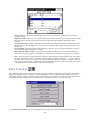
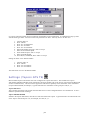
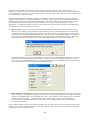
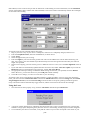
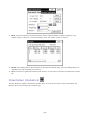
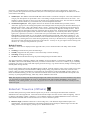
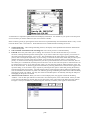
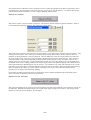
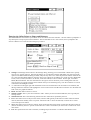
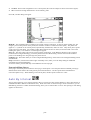
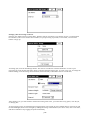
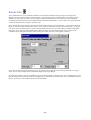
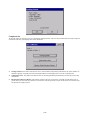
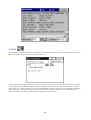
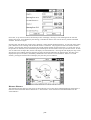
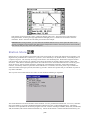
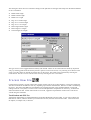
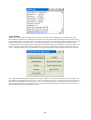
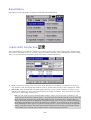
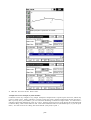
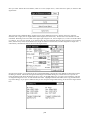
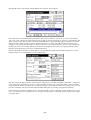
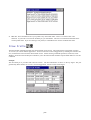
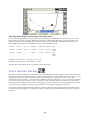
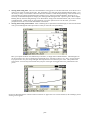
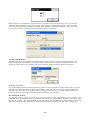
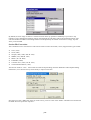
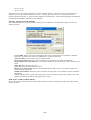
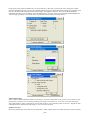
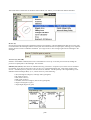
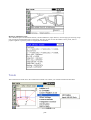
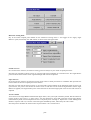
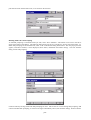
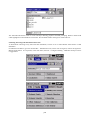
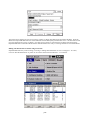
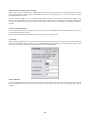
This command reports the bearing and horizontal distance between any two user specified points that are contained
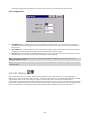
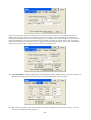
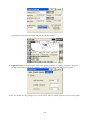
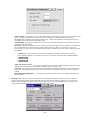
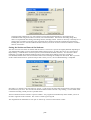
within the current job. If Units, within Job Settings, is set to Angle: Azimuth, then Inverse will display azimuths
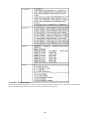
instead of bearings. You can override the display settings from within Job Settings by choosing between Bearing (Brg
N,E or Brg E,N), North Azimuth (NAz N,E, NAz E,N) and South Azimuth (SAz N,E or SAz E,N) at the bottom right
of the Inverse screen.
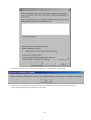
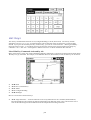
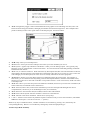
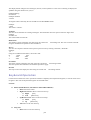
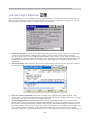
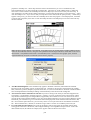
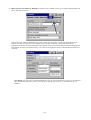
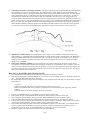
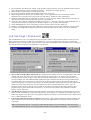
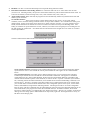
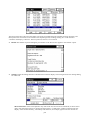
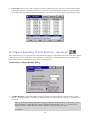
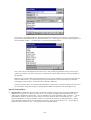
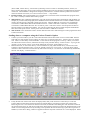
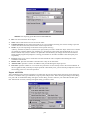
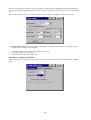
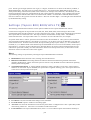
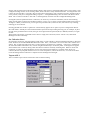
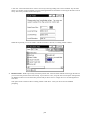
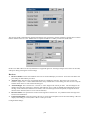
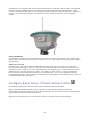
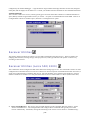
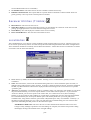
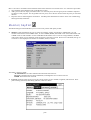
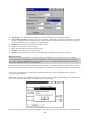
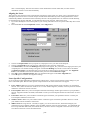
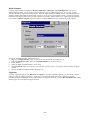
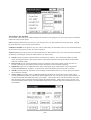
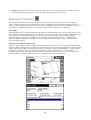
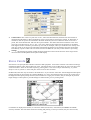
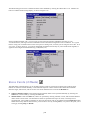
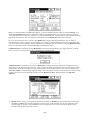
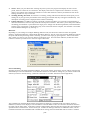
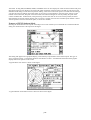
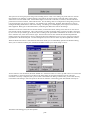
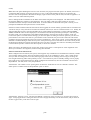
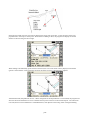
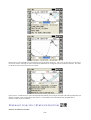
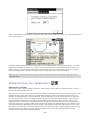
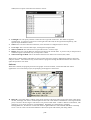
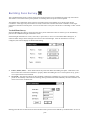
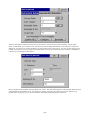
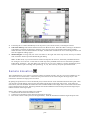
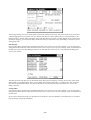
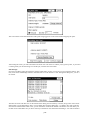
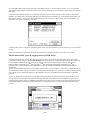
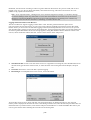
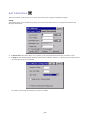
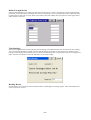
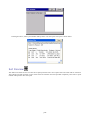
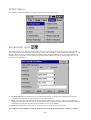
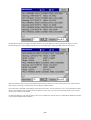
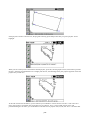
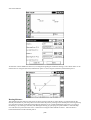
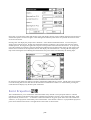
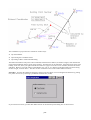
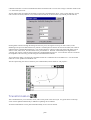
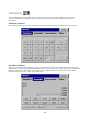
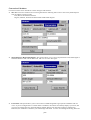
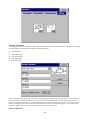
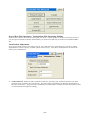
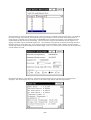
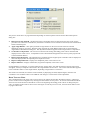
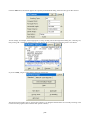
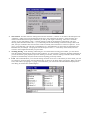
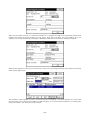
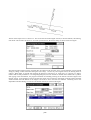
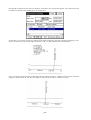
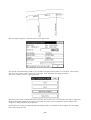
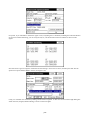
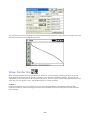
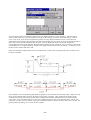
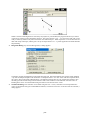
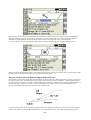
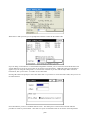
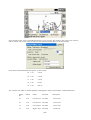
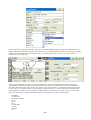
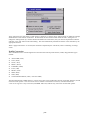
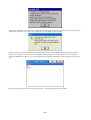
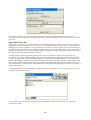
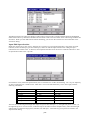
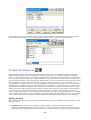
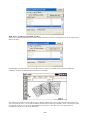
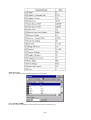
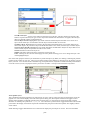
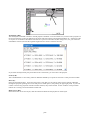
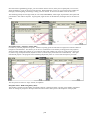
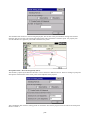
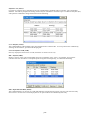
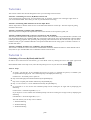
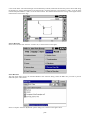
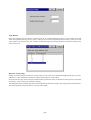
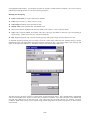
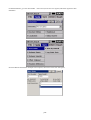
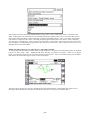
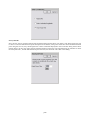
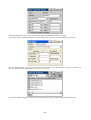
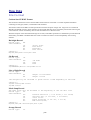
There is a “2D” and “3D” mode for inverse, set at the top of the screen. In 2D mode, the program displays only the
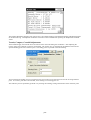
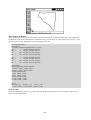
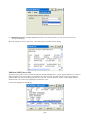
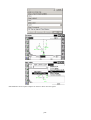
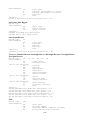
bearing and distance between the two points. As many as four inverses can be viewed at once, as shown below.
p199