1
Mediant 2000
5.6.9.2
Web & Telnet Access List
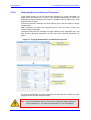
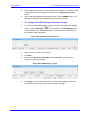
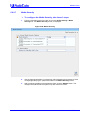
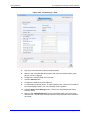
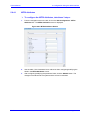
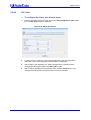
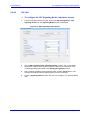
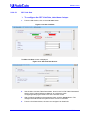
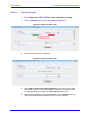
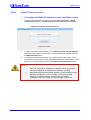
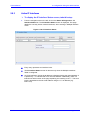
¾ To configure the Web & Telnet Access List, take these 3 steps:
1.
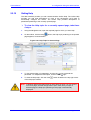
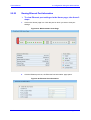
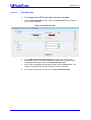
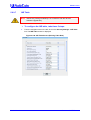
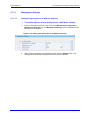
From the navigation tree on the left, click on the Security Settings - Web &
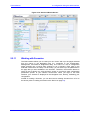
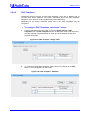
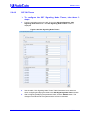
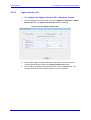
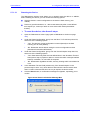
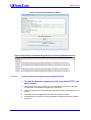
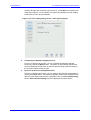
Telnet Access List link. The Web & Telnet Access List screen is displayed.
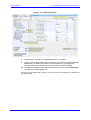
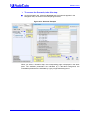
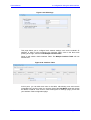
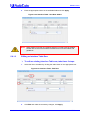
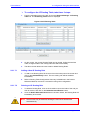
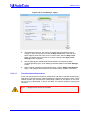
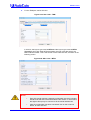
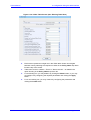
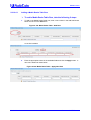
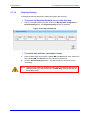
Figure 5-101: Web & Telnet Access List
2.
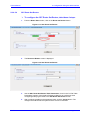
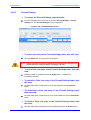
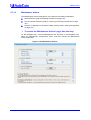
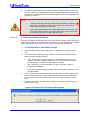
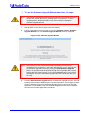
To add a new authorized IP address, in the Add a new Authorized IP Address
field at the bottom portion of the screen, enter the required IP address and click
the Add New Entry button.
3.
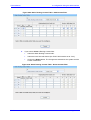
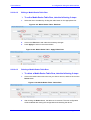
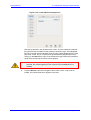
To delete an authorized IP address, in the upper portion of the screen, click a
checkmark into the checkbox of the required IP address row (checkmarks in more
than one row is permissible) and click the Delete Selected Addresses button.
Notes
User's Manual
•
When all authorized IP addresses are deleted, this security feature
becomes disabled (all IP addresses are allowed to connect).
•
When adding the first authorized IP address, you should add your own
terminal's IP address, in order to be able to connect to the Web
interface. If entered incorrectly, reset the device to restore
configuration from non-volatile memory and regain web access.
132
Document # LTRT-08076

























































![LTRT-71403 MediaPack MGCP User Manual ver 4[1].](http://vs1.manualzilla.com/store/data/005760883_1-b98cf40cc1cd8cff0fa8bbf345d132db-150x150.png)