1
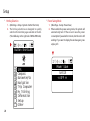
•• Change the Backlight and Interval
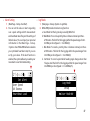
•• Time Zone
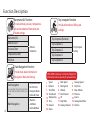
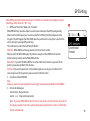
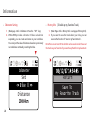
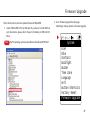
111 (Main Page->Setup->System->Backlight)
222 Here you can set the selections on the setting of backlight
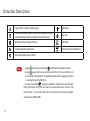
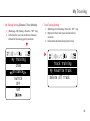
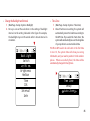
111 (Main Page->Setup->System-> Time Zone)
222 About the time zone setting, the system will
inter val. As the setting indicated in the figure for example,
the backlight stays on 10 seconds after 1 minute interval in
circulation.
automatically convert to local time according to
the GPS time. If you select the "Auto Zone", the
system will automatically base on the longitude
of your position in a converted local time.
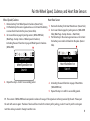
PS. When GPS need to be cold-start or the first time
t o s t a r t i t , t h e s y s t e m t i m e w i l l s h o w yo u w r o n g
information, and you need to position it in the outdoor
places. When successfully f ixed, the time will be
automatically changed to the right one.
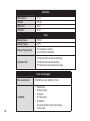
Back Light
Switch
ON
Brightness
Medium
Time
10S
Interval
1min
Time Zone
Setup
Auto Zone
25