1
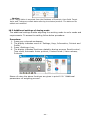
Caution:
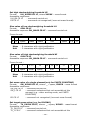
For correct balance’s cooperation with a transponder card reader set appropriate baud
rate value in submenu <
Communication> (default 9600b/s).
Transponder card scanner port.
The balance enables communicating with a transponder card scanner using
the following ports:
•
RS 232 (COM1),
•
RS 232 (COM2).
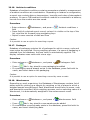
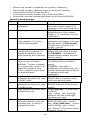
Assigning number of a card to a user:
In order to log in an operator using a transponder card scanner, first assign a
number of an already registered card to a selected user in the database of
operators.
Procedure:
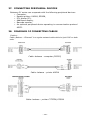
• Connect a transponder card scanner to a balance’s port (RS 232 COM1 or
RS 232 COM2), select communication port in balance settings for the
transponder card scanner
• In submenu <
Communication> set baud rate for compatible with the
one of the transponder card scanner (default 9600b/s).
• Enter the database of operators and edit desired operator’s record, go to <
Card number> option,
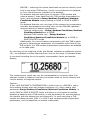
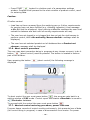
On entering editing mode in <
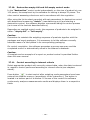
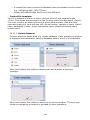
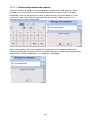
Card number> option, an editing window
<Card number> is opened with an on-screen keyboard,
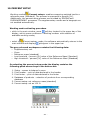
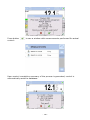
• Approximate the card to the transponder card scanner. The balance
automatically displays number of detected card in the <Card number>
field,
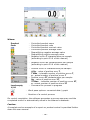
• Accept recognized number by pressing
key and returning to the main
window of weighing mode.
•
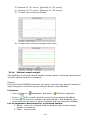
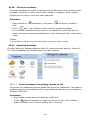
31.5. Additional display
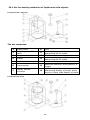
The balance enables communicating with an additional display using the
following ports:
•
•
•
RS 232 (COM1),
RS 232 (COM2),
Tcp.
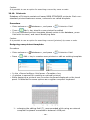
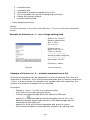
Type of data displayed on an additional display is declared in variable <Project
(template)>.
Procedure – designing a variable
− Enter group of parameters <
Peripheral devices>
− Press “
Additional display /
Project” field, which opens an editing
window <Project> with an on-screen keyboard,
- 191 -