1
Chapter 3 - Topview Simulator GUI Environment
Simulator Toolbar
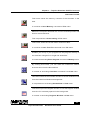
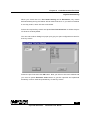
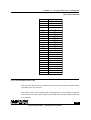
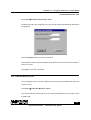
This button saves the memory contents of the simulator in the
disk.
It is similar to Save Memory command of File menu.
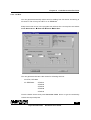
Makes the computer remember the current windows position and
size for future reference.
This is equivalent to Save Setting of File menu.
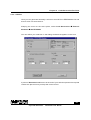
This button saves the current editor contents to disk.
It is similar to Save Text File command from File menu.
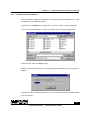
Enables you to key in your program into the program memory of
the simulator using built-in single line assembler.
It is same as activating Enter Program command of Memory menu.
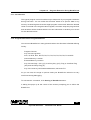
By clicking this button, you can make the ClearView window
structure alive from the NormalView.
It is same as activating ClearView command from View menu.
This button switches the simulator window to Normal windows mode
from the ClearView Windows arrangement.
It is equivalent to activating NormalView in View menu.
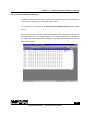
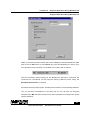
This button opens the Register window or sets the Register window
as active if it is already opened in the background.
It is same as activating Register Window in View menu
10
Topview Simulator
Software User Guide