1
Chapter 14 - Program Execution Using BreakPoints
Program Execution Using BreakPoints
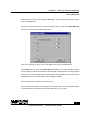
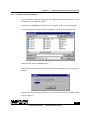
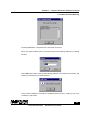
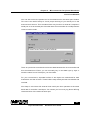
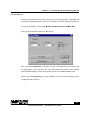
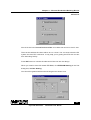
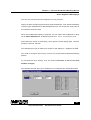
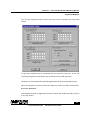
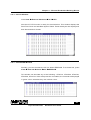
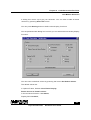
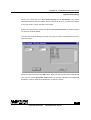
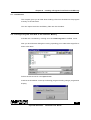
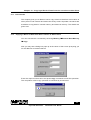
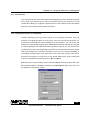
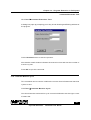
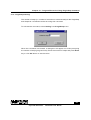
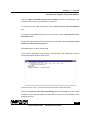
Make your selection and initialize the location/Register with the BreakPoint data
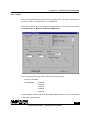
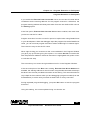
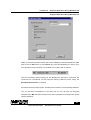
and click over OK button or press Enter key. Now the BreakPoint is set for your
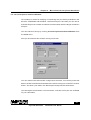
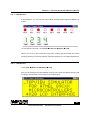
next operation and the same is indicated in the status bar as shown:
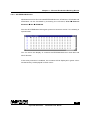
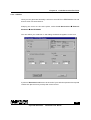
Now the simulator starts waiting for the BreakPoint execution command. PC
contents are considered as the program starting address when using the
BreakPoint Execution command.
So before executing the program, initialize the PC with the correct starting address.
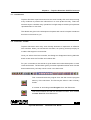
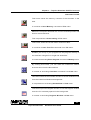
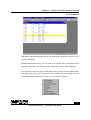
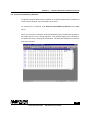
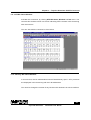
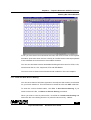
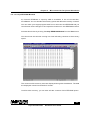
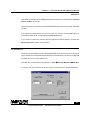
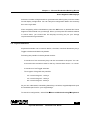
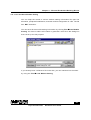
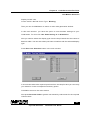
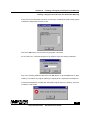
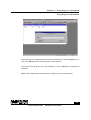
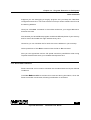
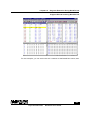
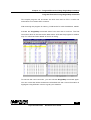
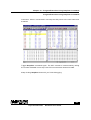
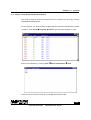
You can set the PC BreakPoint in an easy way. As you can see, the Program
Window has a BP indication that points to the PC BreakPoint assignment at that
specific address.
90
Topview Simulator
Software User Guide