1
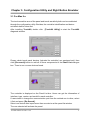
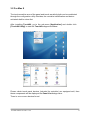
The controller is displayed on the Panel List box. User can get the information of
interface, type, version and model for each controller.
Select one device after import more than one device at the panel list window.
The one selected will activate the panel.
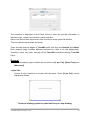
There are two property pages in TouchKit utility, and they are General and About.
Each property page contains different functions for users to do the adjustments.
Therefore, users can easily manage all the TouchKit controllers through TouchKit
Utility.
General
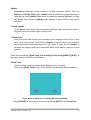
General property page contains the functions of [4 pts Cal], [Draw Test] and
[Advanced].
<4 pts Cal>
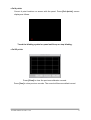
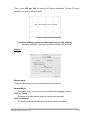
Correct 4 point locations on screen with the panel. Press [4 pts Cal], screen
displays as follows.
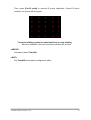
Touch the blinking symbol on panel until beep or stop blinking.
TouchKit Manual for Mac v1.0.8
14