1
C-Link Protocol Commands
Communications Configuration
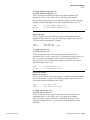
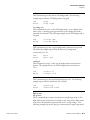
Note Note sending this command via RS-232 or RS-485 will require the
host to use the new id for subsequent commands. ▲
Send:
Receive:
set instrument id 50
set instrument id 50 ok
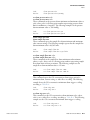
mode
This command reports what operating mode the instrument is in: local,
service, or remote. The following example shows that the instrument is in
the remote mode.
Send:
Receive:
mode
mode remote
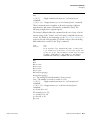
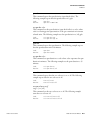
set mode local
set mode remote
These commands set the instrument to local or remote mode. The
following example sets the instrument to the local mode.
Send:
Receive:
set mode local
set mode local ok
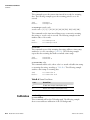
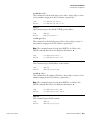
allow mode cmd
This command reports the current allow mode setting: 1 = allow “set mode
local” and “set mode remote” commands; 0 = ignore “set mode local” or
“set mode remote”commands, according to Table B–10. The default value
is 0; ignore the commands. The following example shows that the
instrument is configured to ignore “set mode local” or “set mode remote”
commands.
Send:
Receive:
allow mode cmd
allow mode cmd 0
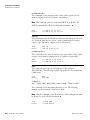
set allow mode cmd value
This command is used to configure the instrument to value, where value is
either 1 = accept or 0 = ignore the “set mode local” and “set mode remote”
commands, according to Table B–10.
If the instrument is set to accept the commands (value = 1), the “set mode
local” command will unlock the instrument and the keypad can be used to
make changes via the front panel.
If the instrument is set to ignore the commands (value = 0), the instrument
will respond with “ok” as if the command has been accepted and acted
Thermo Fisher Scientific
Model 48i Instruction Manual
B-45