1
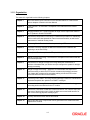
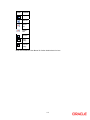
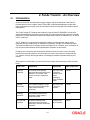
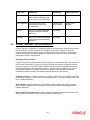
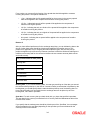
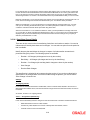
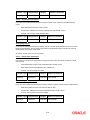
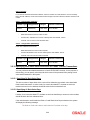
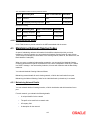
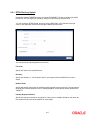
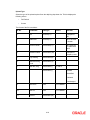
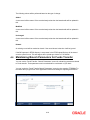
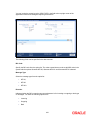
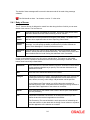
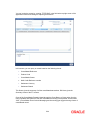
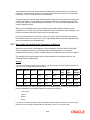
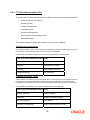
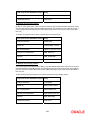
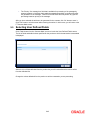
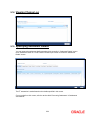
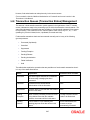
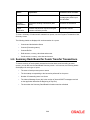
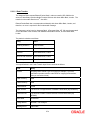
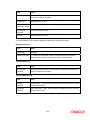
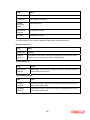
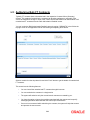
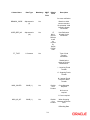
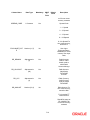
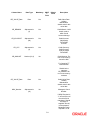
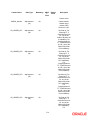
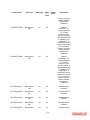
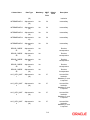
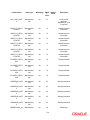
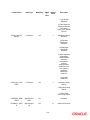
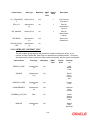
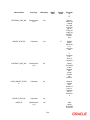
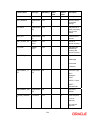
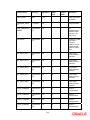
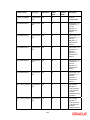
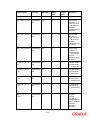
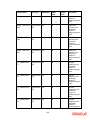
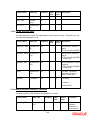
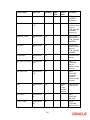
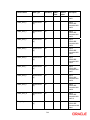
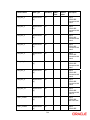
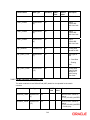
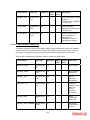
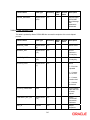
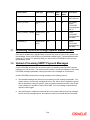
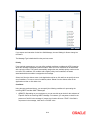
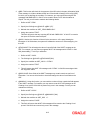
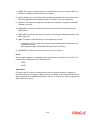
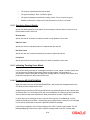
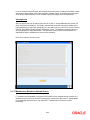
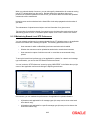
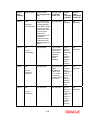
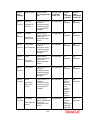
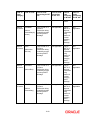
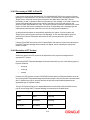
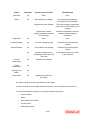
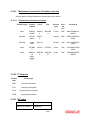
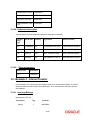
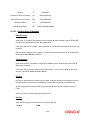
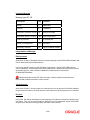
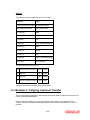
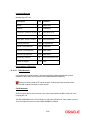
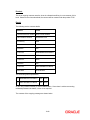
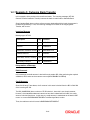
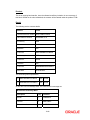
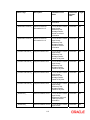
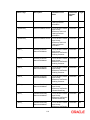
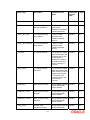
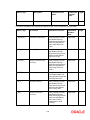
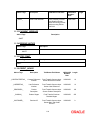
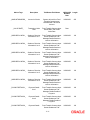
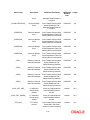
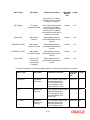
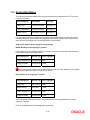
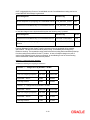
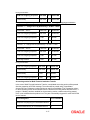
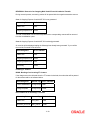
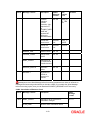
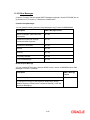
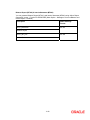
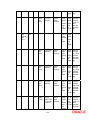
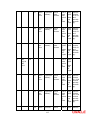
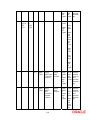
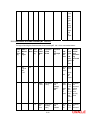
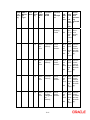
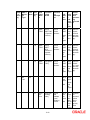
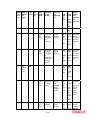
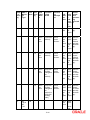
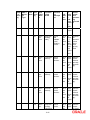
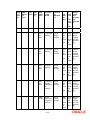
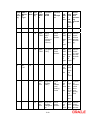
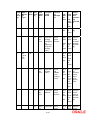
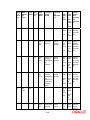
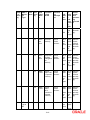
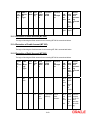
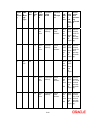
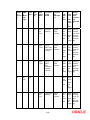
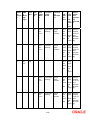
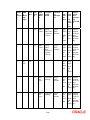
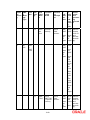
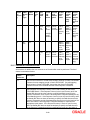
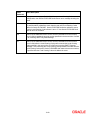
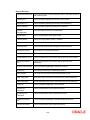
10.9.3.1 Rejecting Amended SWIFT Payment Message During verification, if the amendments are found to be inappropriate or wrong, the authorizer can choose to reject the message. The authorizer should specify the reasons for rejection, as mandatory information. The STP process will update the status of a SWIFT payment message as rejected, specifying the reasons for rejection. A rejected message is marked as one that has ‘failed authorization’. You can perform a query on all messages that have failed authorization, in the Incoming Message Browser. Oracle FLEXCUBE maintains a detailed audit log of all SWIFT Payment Messages that are rejected along with the reasons for rejection. 10.9.3.2 Amending or Deleting Incoming SWIFT Payment Messages Any user with appropriate rights can amend or delete a SWIFT Payment Message that has failed authorization or is pending authorization. Oracle FLEXCUBE will not allow you to delete the first original version of a SWIFT Payment Message received from the SWIFT network. 10.10 Payment Transaction Status Management The status of a funds transfer transaction indicates the stage in the processing cycle in which the transaction currently stands. The status also indicates the operations that are possible on a funds transfer transaction with respect to its processing. Funds transfers that have been uploaded through the gateway tables using the STP (Straight Through Processing) function can be in any of the following statuses: Processed Unprocessed Repair Suppressed Pending Cover Matching Funding Exception Pending Authorization Failed Authorization The table below explains the operations that are possible on a funds transfer transaction when it is in any of the states listed above: 10-25


















































































![[December] [2011] Oracle Part Number E51535-01](http://vs1.manualzilla.com/store/data/005639894_1-7cab28abe75641f653b0af59966ce958-150x150.png)