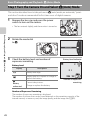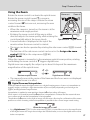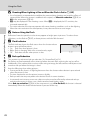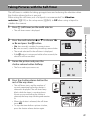
1
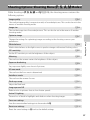
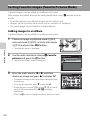
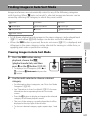
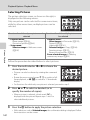
Finding Images in Auto Sort Mode
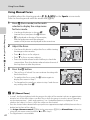
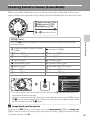
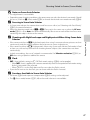
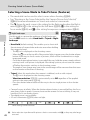
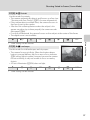
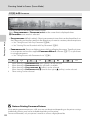
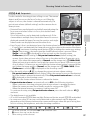
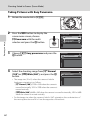
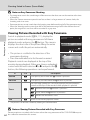
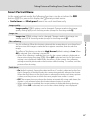
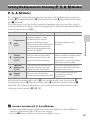
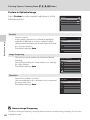
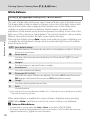
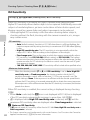
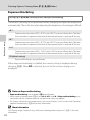
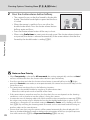
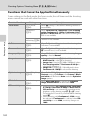
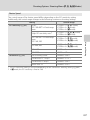
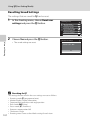
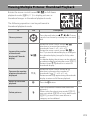
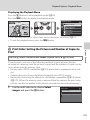
Images and movies are automatically sorted to any of the following categories
with shooting. When “F auto sort mode” is selected, images and movies can be
viewed by selecting the category to which they were sorted.
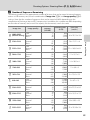
Z Smile
Y Portraits
u Food
U Landscape
V Dusk to dawn
D Close-ups
O Pet portrait
D Movie
X Retouched copies
W Other scenes
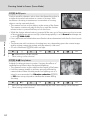
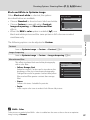
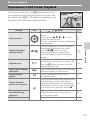
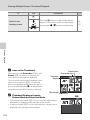
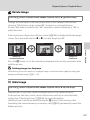
• In full-frame playback mode, images in the same category can be played back
(A111) and edited (A146). Images can be also sorted into albums.
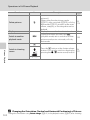
• When the d button is pressed, the auto sort menu (A131) is displayed, and
all images in the same category can be selected for viewing in a slide show, or
applying print order or protection settings.
More on Playback
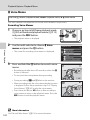
Viewing Images in Auto Sort Mode
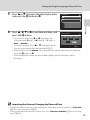
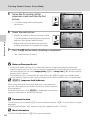
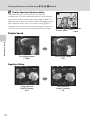
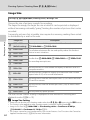
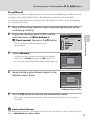
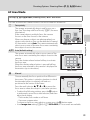
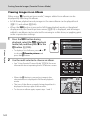
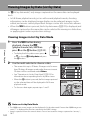
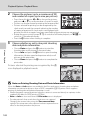
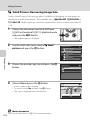
1
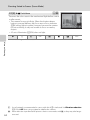
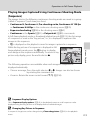
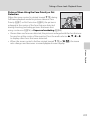
Press the d button during
playback, choose the N
(playback mode) tab, and then
press K or the k button (A120).
Playback mode
Play
Favorite pictures
Auto sort
List by date
• To display a list of categories, press H or
I to choose F Auto sort and press the
k button.
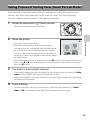
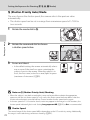
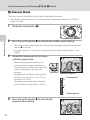
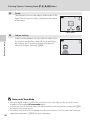
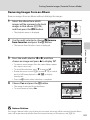
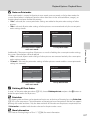
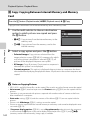
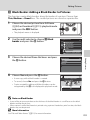
2
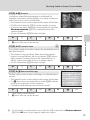
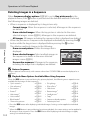
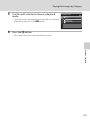
Use the multi selector to choose a desired
category.
• For information about categories, see “Auto Sort Mode
Categories” (A130).
• See “Operations in Auto Sort Mode” (A131) for more
information about operating the auto sort mode
screen.
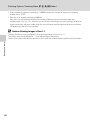
• Press the k button to display an image in the selected
category in full-frame playback mode.
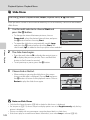
• The icon of the category currently played back will be
displayed at the top right of the monitor.
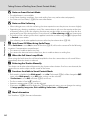
• To choose a desired category again, repeat steps 1 and
2.
Portraits
Other scenes
15/05/2011 15:30
0004.JPG
1
4
129