1
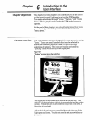
Chapter
The Line
Move Menu
7
User Interface Reference Section
7-37
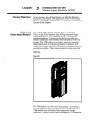
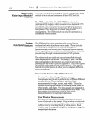
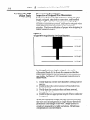
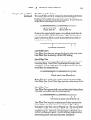
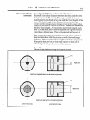
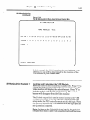
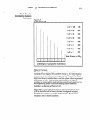
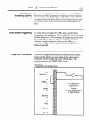
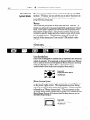
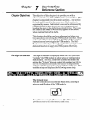
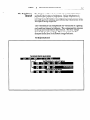
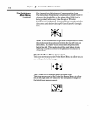
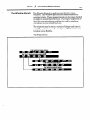
The Line Move Menu allows you to set the position of
the line gauges within the image. The line gauges should be
set so that the line intersects the feature of interest and
provides a margin on either side to allow for position
variations.
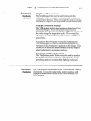
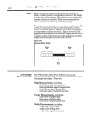
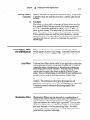
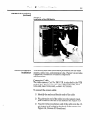
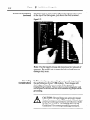
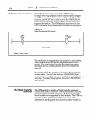
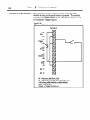
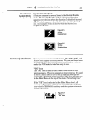
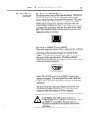
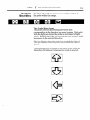
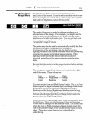
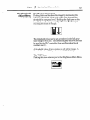
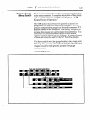
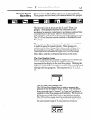
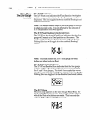
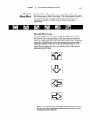
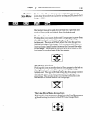
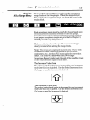
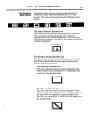
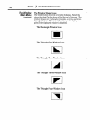
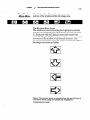
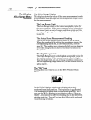
The Line Move Icons
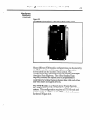
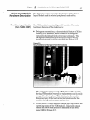
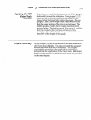
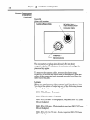
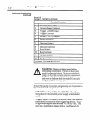
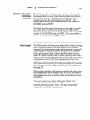
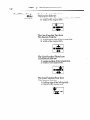
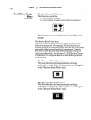
The line gauges are moved by using the Light pen to pick
the Arrow icon corresponding to the direction you want to
move in. Each pick with the Light pen moves the line gauge
one pixel. Holding the Light pen against the icon causes a
rapid movement of the line in the selected direction. The
arrow flashes when the line reaches the edge of the image
and cannot go further.
-
m
El
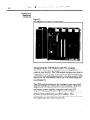
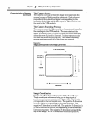
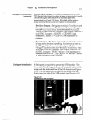
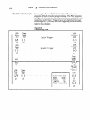
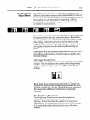
Note: The line may not be placed into the top 40 lines of
the screen if the immediate
setting has been selected.
brightness
correction
probe