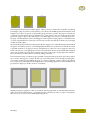
1
139
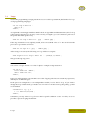
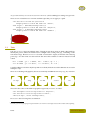
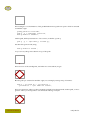
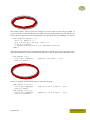
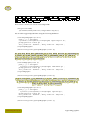
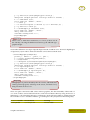
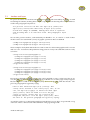
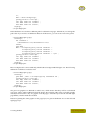
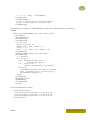
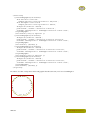
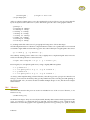
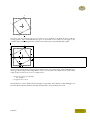
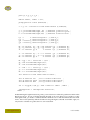
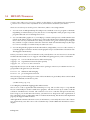
p := p shifted (2o,OverlayHeight-ypart center p) ;
drawoptions (withpen pencircle scaled 1pt withcolor .625red) ;
b := a randomized (o/2) ;
fill b withcolor .85white ; draw b ;
c := center p ;
c := b intersectionpoint (c shifted (0,-o)--c shifted(0,o)) ;
p := p shifted (c-center p) ;
b := (boundingbox p) randomized (o/8) ;
fill b withcolor .85white ; draw b ;
draw p withcolor black;
setbounds currentpicture to a ;
\stopuseMPgraphic
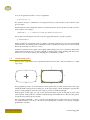
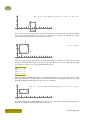
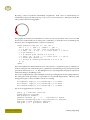
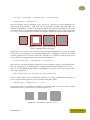
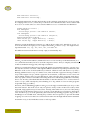
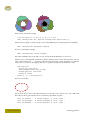
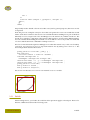
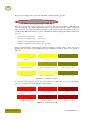
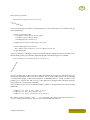
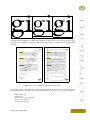
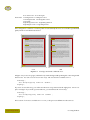
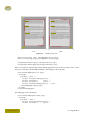
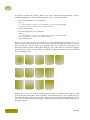
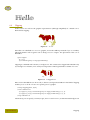
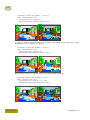
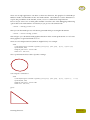
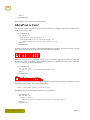
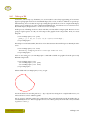
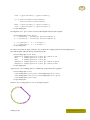
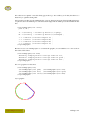
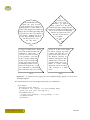
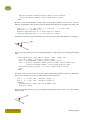
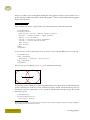
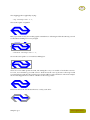
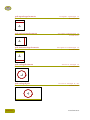
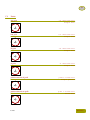
Zapf (2)
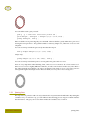
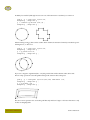
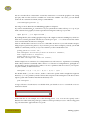
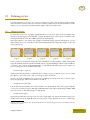
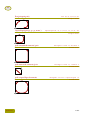
There is not so much basic instruction, as of now, as there was in
the old days, showing the differences between good and bad typographic design.
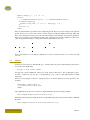
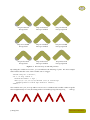
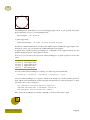
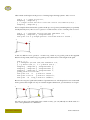
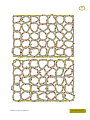
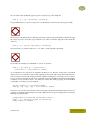
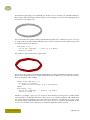
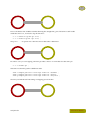
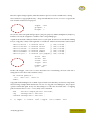
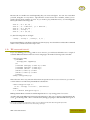
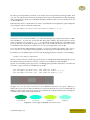
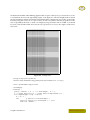
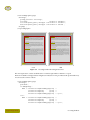
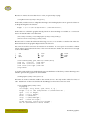
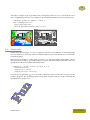
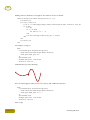
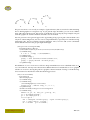
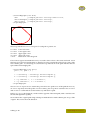
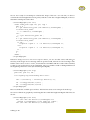
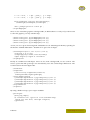
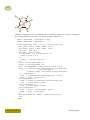
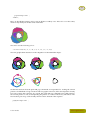
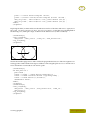
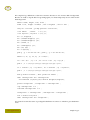
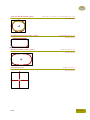
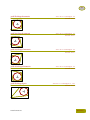
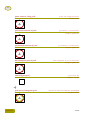
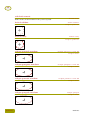
Yet another definition uses super ellipsed shapes instead of random ones. We need a high degree
of superness (.95) in order to make sure that the curves don't touch the texts.
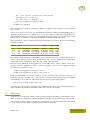
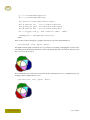
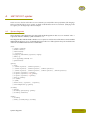
\startuseMPgraphic{FunnyFrame}
picture p ; numeric o ; path a, b ; pair c ;
p := textext.rt(\MPstring{FunnyFrame}) ;
o := BodyFontSize ;
a := unitsquare xyscaled(OverlayWidth,OverlayHeight) ;
p := p shifted (2o,OverlayHeight-ypart center p) ;
drawoptions (withpen pencircle scaled 1pt withcolor .625red) ;
b := a superellipsed .95 ;
fill b withcolor .85white ; draw b ;
b := (boundingbox p) superellipsed .95 ;
fill b withcolor .85white ; draw b ;
draw p withcolor black ;
setbounds currentpicture to a ;
\stopuseMPgraphic
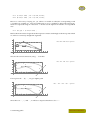
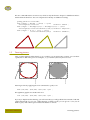
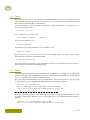
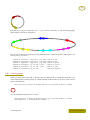
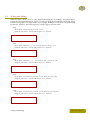
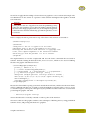
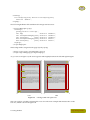
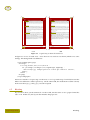
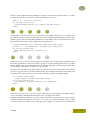
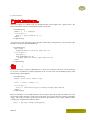
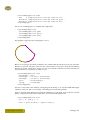
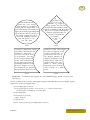
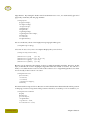
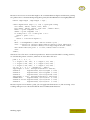
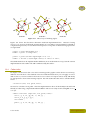
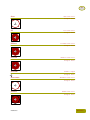
Zapf (3)
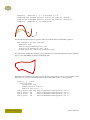
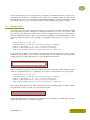
Many people are just fascinated by their PC's tricks, and think that a
widely--praised program, called up on the screen, will make everything automatic from now on.
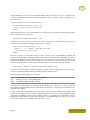
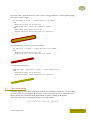
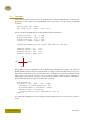
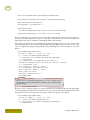
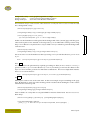
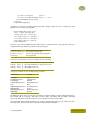
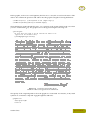
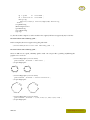
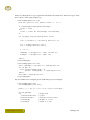
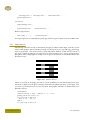
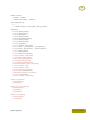
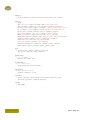
There are quite some hard coded values in these graphics, like the linewidths, offsets and colors. Some of these can be fetched from the \framed environment either by using TEX macros or
dimensions, or by using their METAFUN counterparts. In the following table we summarize both
the available METAPOST variables and their TEX counterparts. They may be used interchangeably.
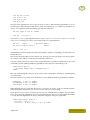
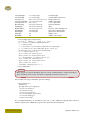
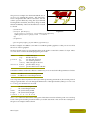
METAPOST
variable
OverlayWidth
TEX
command
\overlaywidth
Graphics and macros
meaning
current width
Enhancing the layout