1
9 SOFTWARE ADMINISTRATION
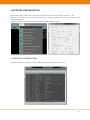
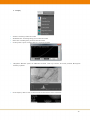
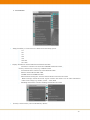
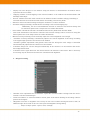
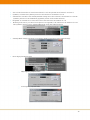
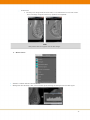
Most configurations can be done using the Tool menu in the top menu bar. Other settings (e.g. the
Monitor size settings) can be made using the service setting program (please refer to chapter 9.10 for
further information).
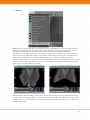
The following chapters describe the different menus found in the Tool menu.
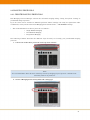
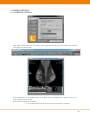
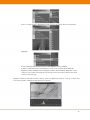
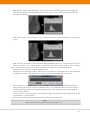
9.1 DICOM TAG INFORMATION
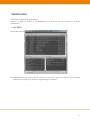
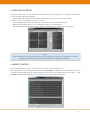
Using this feature it is possible to view the DICOM tag information of the active image.
16