1
User Manual of Hikvision iVMS-4200 PCNVR V1.03
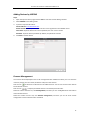
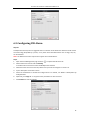
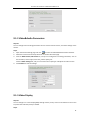
Adding Online Devices
Steps:
1.
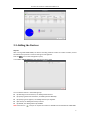
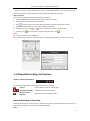
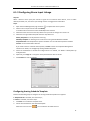
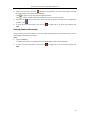
Open the Import Camera page and click Add to enter the Camera Adding interface.
2.
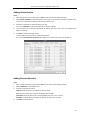
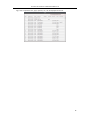
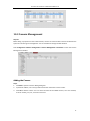
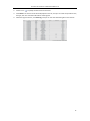
Select Online Detection as the adding mode. The active online cameras and video encoders in the
same local subnet with the software will be displayed on a list.
3.
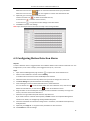
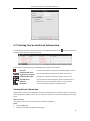
Check the checkboxes to select the devices to add.
You can click Refresh to refresh the information of online devices.
4.
Input the device user name and password. By default, the device user name and password are
admin and 12345.
5.
Click Add to add the selected devices.
The IPv6 address of the device is preferred if available.
You can click Set Network Parameters to configure the network information of the device.
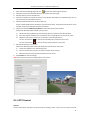
Adding Devices Manually
Steps:
1.
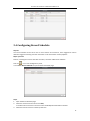
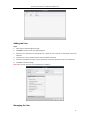
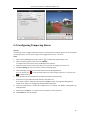
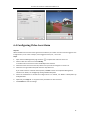
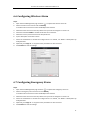
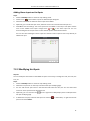
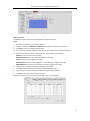
Open the Import Camera page and click Add to enter the Camera Adding interface.
2.
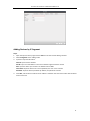
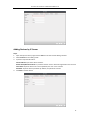
Select IP/Domain as the adding mode.
3.
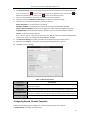
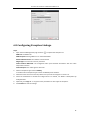
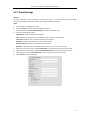
Input the required information.
Address: Input the device’s IP address or domain name.
Port: Input the device port number. The default value is 8000.
User Name: Input the device user name. By default, the user name is admin.
Password: Input the device password. By default, the password is 12345.
4.
Click Add to add the device.
10