1
User Manual of Hikvision iVMS-4200 PCNVR V1.03
3.
4.
5.
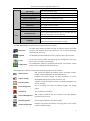
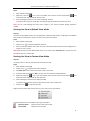
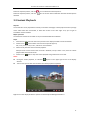
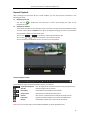
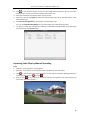
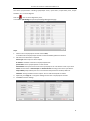
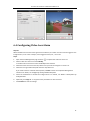
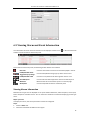
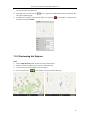
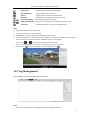
When an alarm occurs, the icon
twinkles to call attention. The alarm information, including
the time, details and content will be displayed.
Click
to get a live view of the alarm triggered camera.
Click
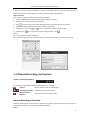
to send an Email notification of the alarm to one or more receivers.
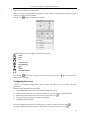
Click the icon
, and then the alarm picture will pop up when the events occur. To disable the
function, click
.
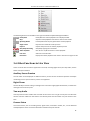
To clear the alarm information, click the icon
Clear.
, or right-click on an alarm log and then click
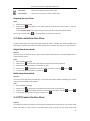
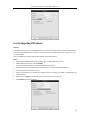
Viewing Events Information
The abnormal events of the software, such as the email sending failure, device disconnection, can also
be displayed and viewed on the panel.
Steps:
1.
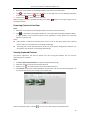
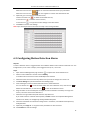
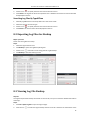
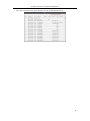
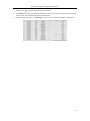
Click the Event tab.
The event information, including the time and detailed description will be displayed.
2.
To clear the event information, click the icon
Clear.
, or right-click on an event log and then click
50