1
BIOS
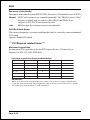
Onboard Device
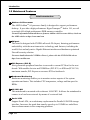
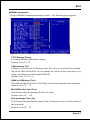
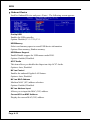
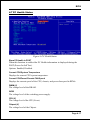
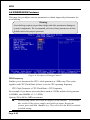
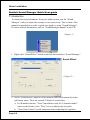
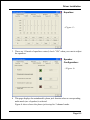
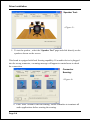
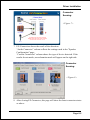
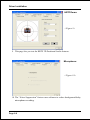
Scroll to Onboard Device and press <Enter>. The following screen appears:
Onchip USB
Enables the USB controller.
Options: Disabled, V1.1+V2.0, V1.1.
USB Memory
Select used memory space to record USB device information
Options: Base memory, Shadow memory.
USB Mouse Support
Enable/Disable support for USB mouse under DOS.
Options: Enabled, Disabled.
AC97 Audio
This item allows you disable the chipset on-chip AC97 Audio.
Options: Auto, Disabled.
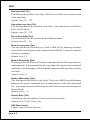
NV Lan Control
Enables the onboard Gigabit LAN feature.
Options: Auto, Disabled.
NV Lan MAC Address
Machine MAC (NV) address selection.
Options: Enabled, Disabled.
NV Lan Address Input
Allows you to input the MAC (NV) address.
Current NV Lan MAC Address
Display the current MAC (NV) address.
Page 4-12