1
ContentKeeper Enterprise Administration Guide
Force Bypass Mode
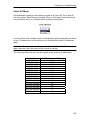
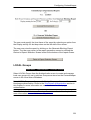
Click on the Force Bypass Mode button to force the H.A.M into Bypass mode
and hence force Ethernet traffic to bypass ContentKeeper. ContentKeeper will
not filter Ethernet traffic while the H.A.M. is in Bypass mode.
Force Online Mode
Click on the Force Online Mode button to force the H.A.M into Online mode,
and hence force Ethernet traffic through the ContentKeeper Bridge Ports.
Acknowledge Alarm
Click on the Acknowledge Alarm button to turn off the H.A.M warning alarm
(buzzer). Doing this does not restore any lost connections.
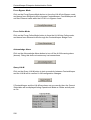
Query H.A.M
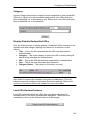
Click on the Query H.A.M button to test connectivity between ContentKeeper
and the H.A.M and to confirm H.A.M configuration changes.
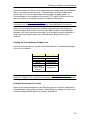
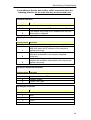
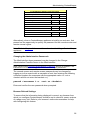
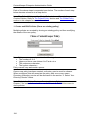
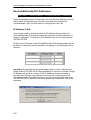
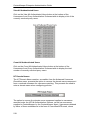
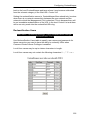
If ContentKeeper and the H.A.M have been set up correctly then the Current
State table will be displayed listing Operational Mode as Online and all ports
as On.
230