1
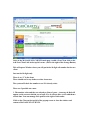
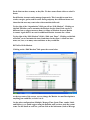
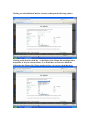
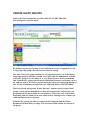
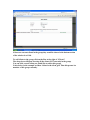
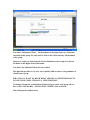
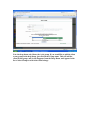
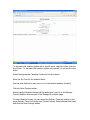
To associate this weather update with a specific client, select the client from the
drop down. To associate this weather update with yourself, do not use the drop
down.
Select the appropriate Campaign Code from the drop down.
Enter the Zip Code for the selected client.
Use the radio buttons to mark yes or no for the desired weather format(s).
Click the Save Changes button.
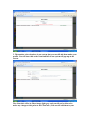
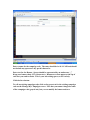
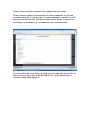
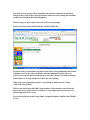
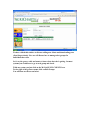
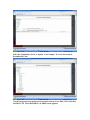
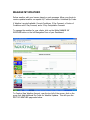
Notice that the Weather Account will be added as a new row in the Manage
Current Weather Accounts grid of the Manage My weather page.
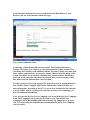
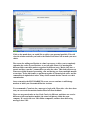
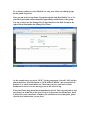
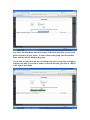
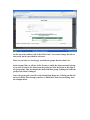
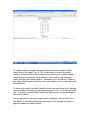
For each Weather format, you can access the Delivery Times by clicking on the
green Delivery Times Link under each Format Column. Select desired auto times
and click the Save Changes button.