1
Additional Features
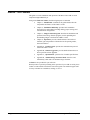
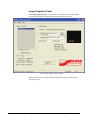
You can use the Image Transfer Program to do several other image file
management tasks, such as:
• Displaying the contents of the card memory for deletion and download
selection
• Downloading images from the card to a PC
• Capturing full frame, still images from either BKGD source
• Erasing all or selected images from the card memory
Displaying the Contents of the Card
Since the CDK-111A-M can store a number of still and animated images, it is
necessary to check the contents of the card memory at certain times.
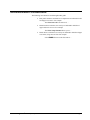
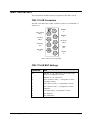
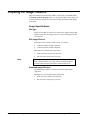
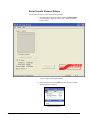
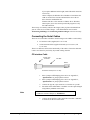
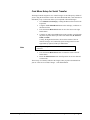
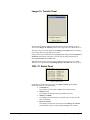
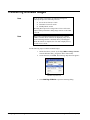
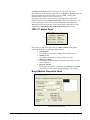
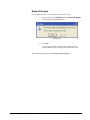
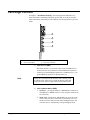
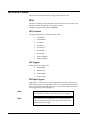
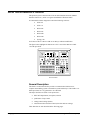
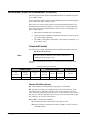
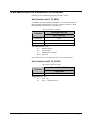
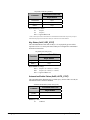
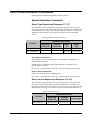
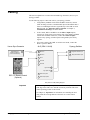
On the menu bar, click Transfer and select Contents of Card.
Transfer Menu Drop-Down List
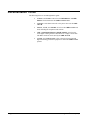
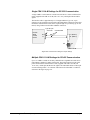
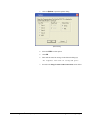
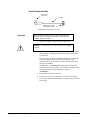
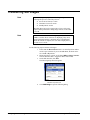
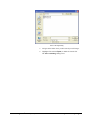
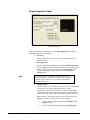
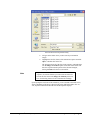
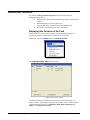
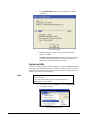
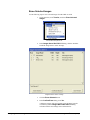
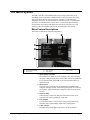
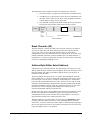
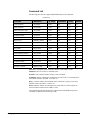
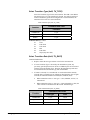
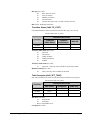
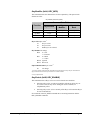
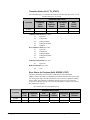
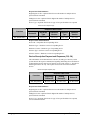
The Images Stored On CDK-111 dialog opens.
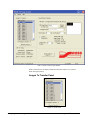
Images Stored on CDK-111 Dialog
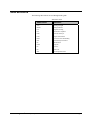
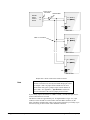
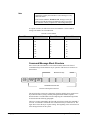
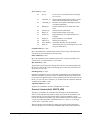
This dialog lists all the information for each file stored in the card memory – its
number, its name, width, height, and type of file. The type of file is listed in the Info
column and describes the file as a Still Image (With Alpha), Still Image (No
Alpha), or as Animated (xx Frames).
3-28 • Image Transfer Program
CDK-111A-M • Owner’s Guide (v4.10)