1
Window Configuration
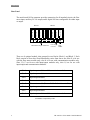
Configuration
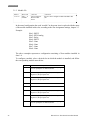
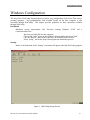
After communications have been established, clicking on “Configuration” uploads program
information from Nova-Flow. Once the upload is complete, the I/O menu will be displayed. Other
available menu items may be selected by clicking on the appropriate tabs at the top of the screen.
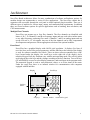
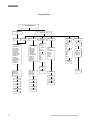
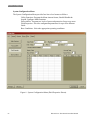
I/O Configuration Menu
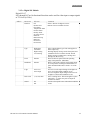
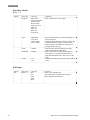
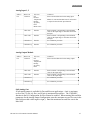
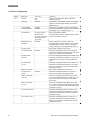
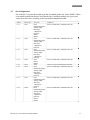
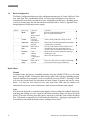
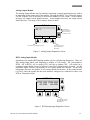
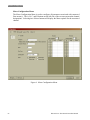
The I/O Configuration Menu is used to configure Main board I/O options as well as assigning,
configuring and calibrating optional I/O modules. Diagnostic functions for specific I/O options are
also available in the I/O Menu.
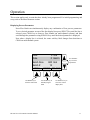
Figure 3. I/O Configuration Menu.
HP-304 Nova -Flow Batch Controller Manual
63