1
Function Control
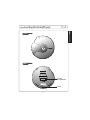
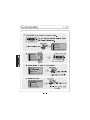
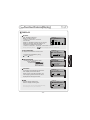
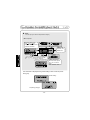
Shift between Menu
display
GENERAL
VER 2.00
mode
control
timer
User EQ
general
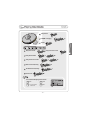
¢¸Press
or
to move
between main menu and sub
menu.
NAVI / MENU
PRESET
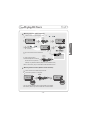
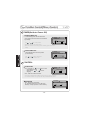
From Main Menu to Sub Menu
GENERAL
NAVI / MENU
PRESET
Clliick
+
+
+
+
+
Clliick
Or
Enter Sub Menu
GENERAL
NAVI / MENU
PRESET
Clliick
Or
+
+
+
+
Clliick
GENERAL
+
+
+
+
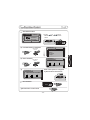
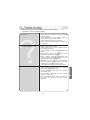
beep volume
resume
fade in
language
cd esp
F.scan
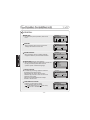
BEEP SOUND VOLUME
F.skip
0
1
2
speed
3
4
scroll
F.scan
BEEP SOUND VOLUME
F.skip
0
1
2
speed
3
4
scroll
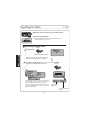
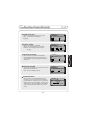
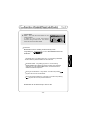
¢¸ Each control option is configured
by three buttons shown below.
NAVI / MENU
PRESET
Exit Sub Menu
Clliick
Exit Function Control mode
Clliick
- 20 -
3