1
9.3
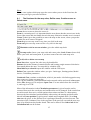
Load AIS data
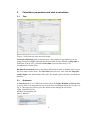
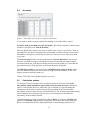
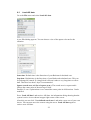
Go to the File menu and select Load AIS data.
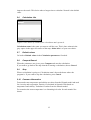
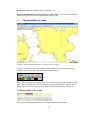
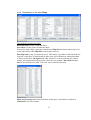
A pre-filled dialog appears. You can choose a size of the square relevant for the
situation.
Start time: Default time is the Start time of your Backward calculated case.
Stop time: Default time is the Stop time of your Backward calculated case. This can
be prolonged if wanted. If a long period is chosen it takes a very long time to collect
data. Therefore less then 3 days is recommended.
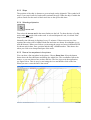
Square search area and Size of square (n.m.): The search area is a square and it
follows the centre point of the moving oil slick.
Deafult: 12 n.m. is plus/minus 6 n.m. around the centre point in all directions. Can be
modified.
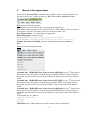
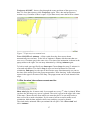
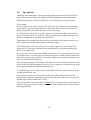
Press ‘Load AIS data’ and retrieve AIS data. An information dialog showing that the
system is active is now shown in upper right corner of the screen.
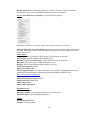
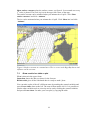
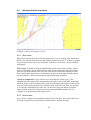
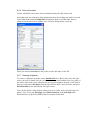
After this you can click ‘User defined search area’ and make a new area of your own
choice. You can now move the corners using the arrow. Load AIS data again to
retrieve new AIS data.
22