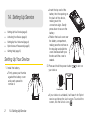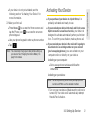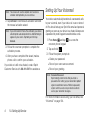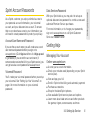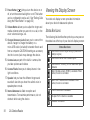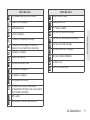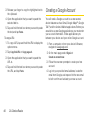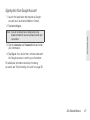
1
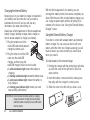
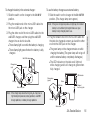
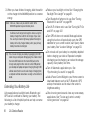
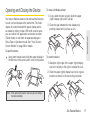
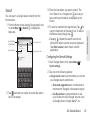
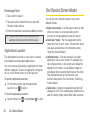
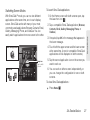
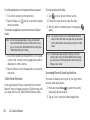
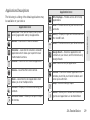
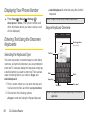
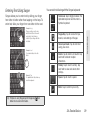
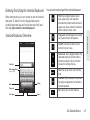
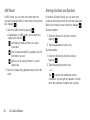
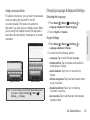
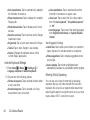
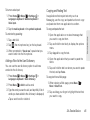
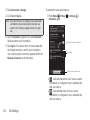
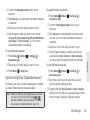
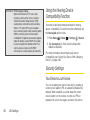
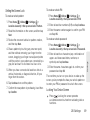
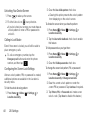
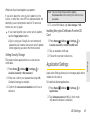
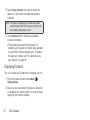
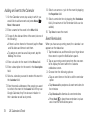
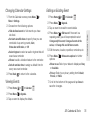
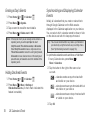
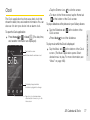
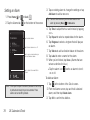
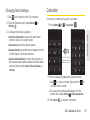
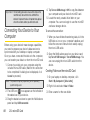
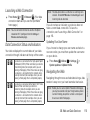
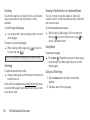
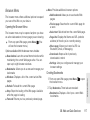
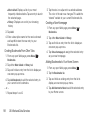
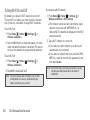
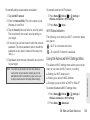
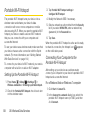
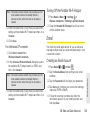
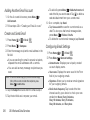
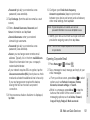
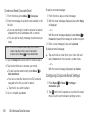
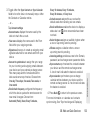
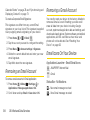
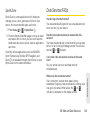
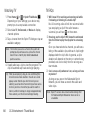
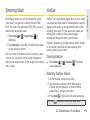
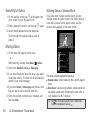
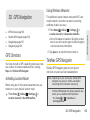
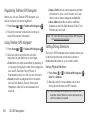
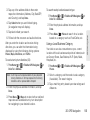
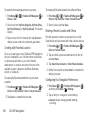
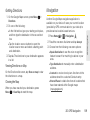
2. Tap Add account > Google. 3. Click Next > Sign in. Note: If you want to have a new Google account, tap Create To enable the auto-sync feature: 1. Press Home > Menu Accounts & sync. > Settings > and follow the onscreen prompts to create your new account. (See “Creating a Google Account” on page 46.) 4. Tap the Username (@gmail.com) and Password fields and enter your information. Tap the account to configure it. 5. Tap Sign in. Your device then communicates with the Google servers to confirm your information. Your new Google account then appears within the Manage accounts area of the screen. Sync status Tap to create a new account. - Indicates that some or all of an account’s information is configured to sync automatically with your device. 䡲 - Indicates that none of an account’s information is configured to sync automatically with your device. 䡲 54 2B. Settings